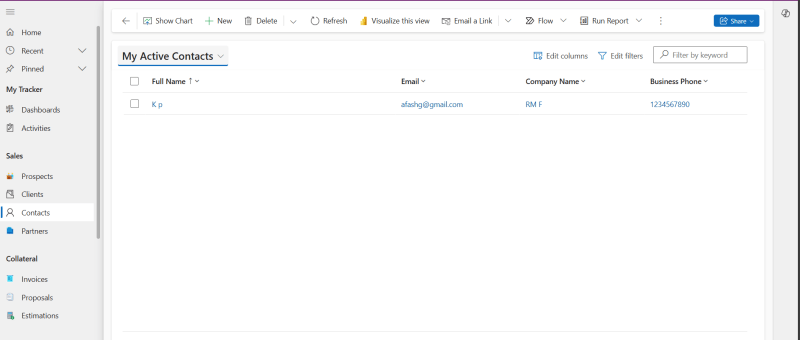
Here are the steps to perform to create a new Contact in Power Apps based Project Tracking system. Read more about the Prospect and Project Management Solution in Microsoft Power Platform: https://dynatecon.com/business-solutions/dynapro-prospect-and-project-management-solution-in-power-platform/ Steps: 1. Access the 'Dyna Project -Admin' main page 2. Click on Contacts under Sales from Project Operations in the left navigation bar.…
Author: krishnapriyadynatecon
How to add new Partner in Power Apps based Project tracking tool?
Here are the steps to perform to add a new Partner in Power Apps based Project Tracking system. Read more about the Prospect and Project Management Solution in Microsoft Power Platform: https://dynatecon.com/business-solutions/dynapro-prospect-and-project-management-solution-in-power-platform/ Steps: 1. Access the 'Dyna Project -Admin' main page 2. Click on ' Partners' under sales in Project Operations from the left navigation…
How to add new Estimation to a Project in Power Apps based Project tracking tool?
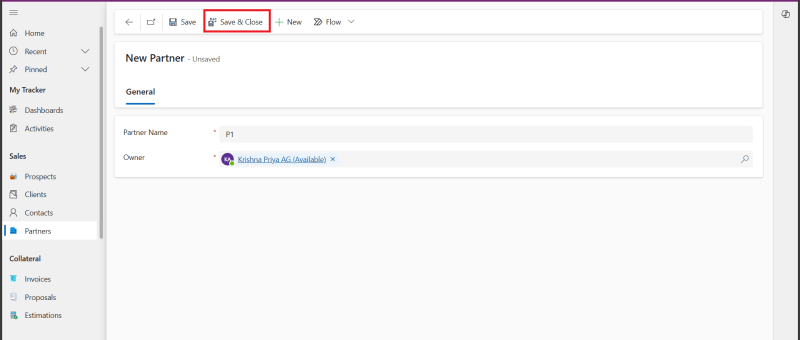
Here are the steps to perform to create a new Estimation in Power Apps based Project Tracking system. Read more about the Prospect and Project Management Solution in Microsoft Power Platform: https://dynatecon.com/business-solutions/dynapro-prospect-and-project-management-solution-in-power-platform/ Steps: 1. Access the 'Dyna Project -Admin' main page 2. Click on 'Estimations' under Collateral from Project Operations in the left navigation bar.…
How to add new Expense to a Project in Power Apps based Project tracking tool?
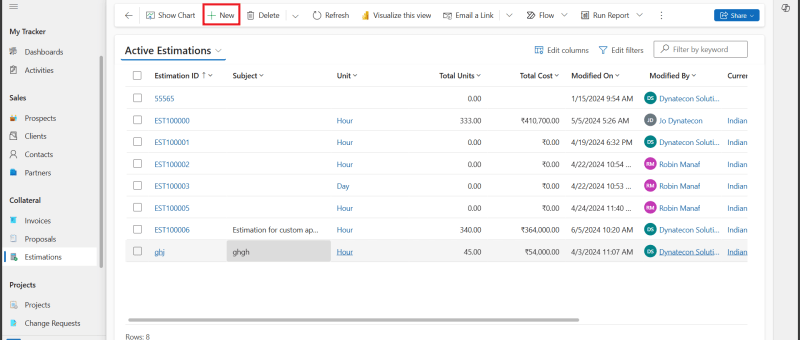
Here are the steps to perform to create a new Expense in Power Apps based Project Tracking system. Read more about the Prospect and Project Management Solution in Microsoft Power Platform: https://dynatecon.com/business-solutions/dynapro-prospect-and-project-management-solution-in-power-platform/ Steps: 1. In the 'Dyna Project -Admin' main page 2. Click on 'Expenses' in Project Operations from left navigation bar. All Expenses list…
Features of Project Operations App(in Power Apps)
How to create a Prospect in Dyna Projects(Project Operations app in Power Apps) Steps: Click on the Prospects in the left navigation bar Click '+New' button 3. Fill in the fields 4. Click Save & Close button 5.You can view the created Prospect from the Prospects view. How to create a Timesheet Entry in Dyna…
How to add new Proposals to a Project in Power Apps based Project tracking tool?
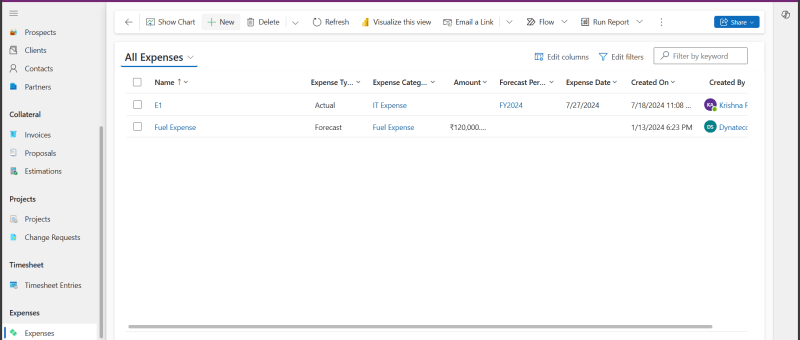
Here are the steps to perform to create a new Proposal in Power Apps based Project Tracking system. Read more about the Prospect and Project Management Solution in Microsoft Power Platform: https://dynatecon.com/business-solutions/dynapro-prospect-and-project-management-solution-in-power-platform/ Steps: 1. Access the 'Dyna Project -Admin' main page 2. Click on 'Proposals' under Collateral in Project Operations from the left navigation bar.…
How to add new Invoice to a Project in Power Apps based Project tracking tool?
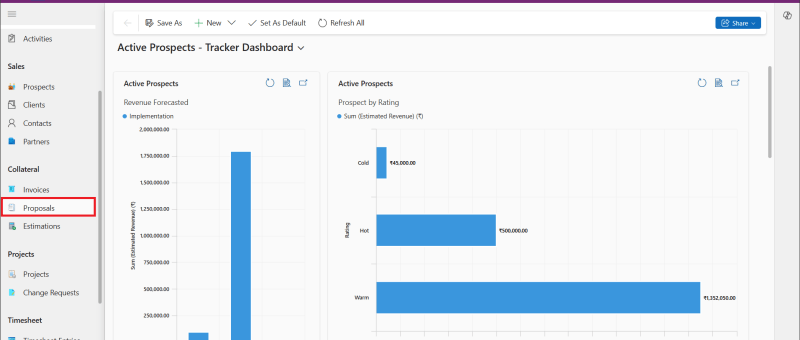
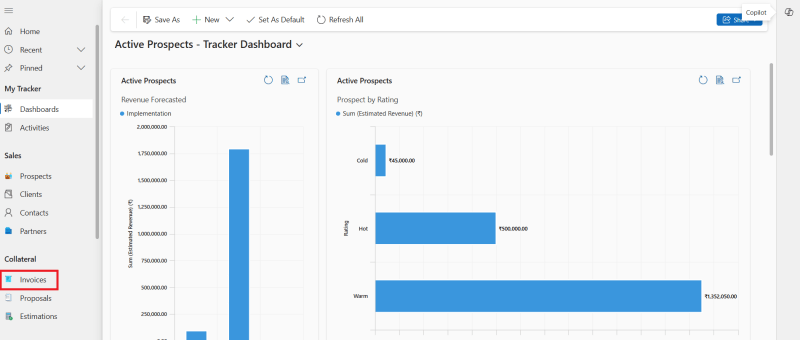
Here are the steps to perform to create a new Invoice in Power Apps based Project Tracking system. Read more about the Prospect and Project Management Solution in Microsoft Power Platform: https://dynatecon.com/business-solutions/dynapro-prospect-and-project-management-solution-in-power-platform/ Steps: 1.Access In the 'Dyna Project -Admin' main page 2. Click 'Invoices' under Collateral from Project Operations in the left navigation bar. Active…
How to create a new Change Request in Power Apps based Project tracking tool?
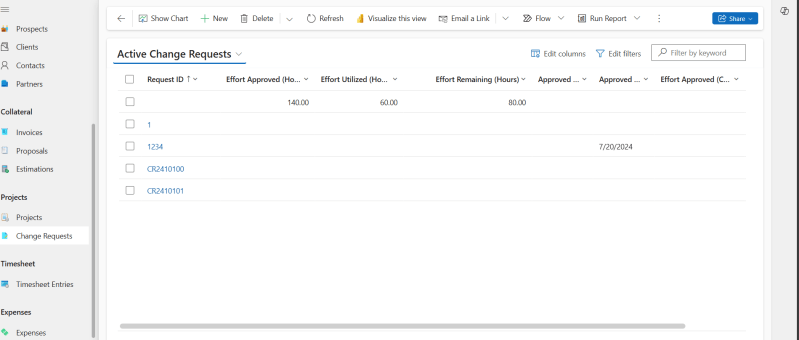
Here are the steps to perform to create a new Change Request in Power Apps based Project Tracking system. Read more about the Prospect and Project Management Solution in Microsoft Power Platform: https://dynatecon.com/business-solutions/dynapro-prospect-and-project-management-solution-in-power-platform/ Steps: 1. Access the 'Dyna Project -Admin' main page 2. Click on 'Change Requests' under Projects in Project operations from the left…
How to test Canvas App using Power App Test Studio
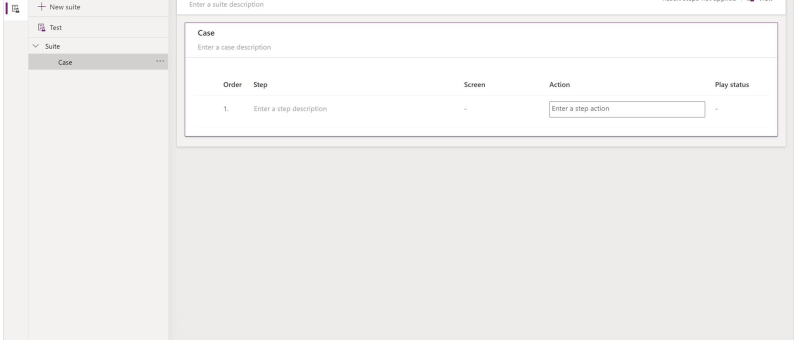
What is Test Studio You can test inside of canvas apps with the built-in tool called Power App Test Studio. This tool can help you write, organize, and automate your tests for canvas apps. How to Work with Test Studio Open Test Studio Sign into Power Apps Create a new app or edit an existing app…
How to create a new Prospect in Power Apps based Project tracking tool?
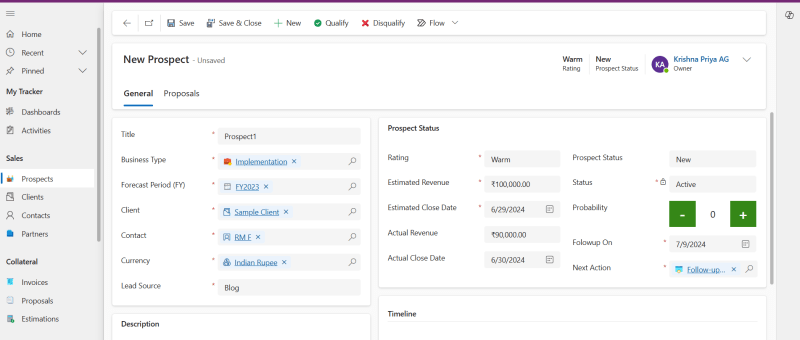
Here are the steps to perform to create a new Prospect in Power Apps based Project Tracking system. Read more about the Prospect and Project Management Solution in Microsoft Power Platform: https://dynatecon.com/business-solutions/dynapro-prospect-and-project-management-solution-in-power-platform/ Steps: 1. Access the 'Dyna Project -Admin' main page 2. Click on Prospects under Sales from the left navigation bar Active Prospects view…
How to create a new Project in Power Apps based Project tracking tool?
Here are the steps to perform to create a new Project in Power Apps based Project Tracking system. Read more about the Prospect and Project Management Solution in Microsoft Power Platform: https://dynatecon.com/business-solutions/dynapro-prospect-and-project-management-solution-in-power-platform/ Steps: 1. Access the 'Dyna Project -Admin' main page 2. Click on Projects from Projects Operations in the left navigation bar. All Projects…
How to add new Client to in Power Apps based Project tracking tool?
Here are the steps to perform to add a new Client in Power Apps based Project Tracking system. Read more about the Prospect and Project Management Solution in Microsoft Power Platform: https://dynatecon.com/business-solutions/dynapro-prospect-and-project-management-solution-in-power-platform/ Steps: 1. Access the 'Dyna Project -Admin' main page 2. Click on Clients under Sales in Project Operations from the left navigation bar…
How to create a new Timesheet Entry in Power Apps based Project tracking tool?
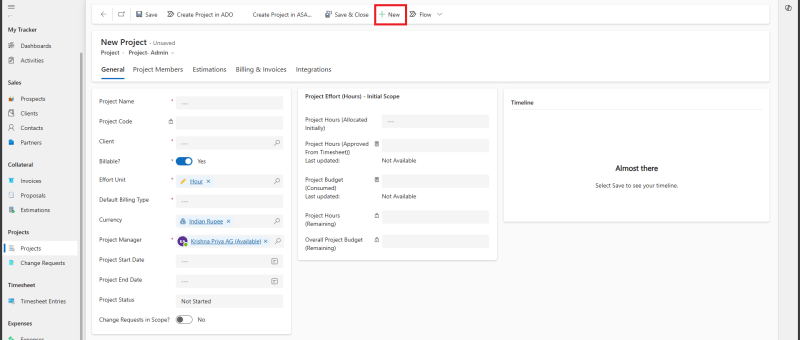
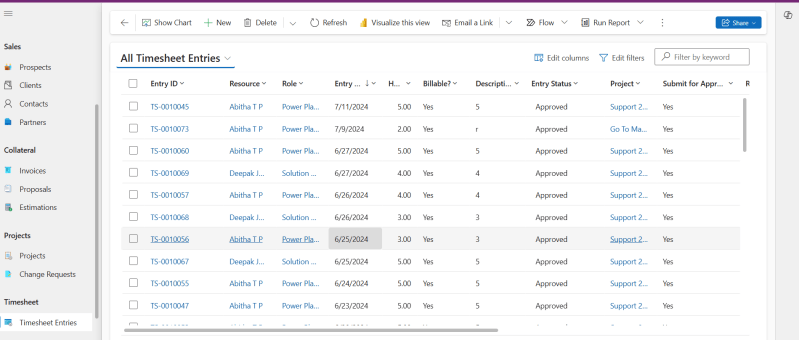
Here are the steps to perform to create a new Timesheet Entry in Power Apps based Project Tracking system. Read more about the Prospect and Project Management Solution in Microsoft Power Platform: https://dynatecon.com/business-solutions/dynapro-prospect-and-project-management-solution-in-power-platform/ Steps: 1. Access the 'Dyna Project -Admin' main page 2. Click on Timesheet Entries in Project Operations from the left navigation bar.…
How to add new Project Members to a Project in Power Apps based Project tracking tool?
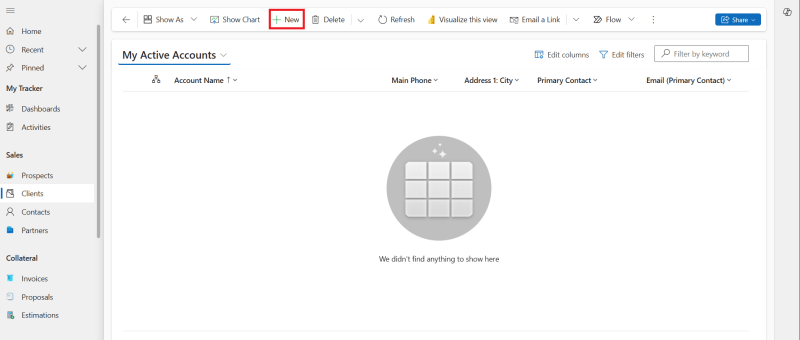
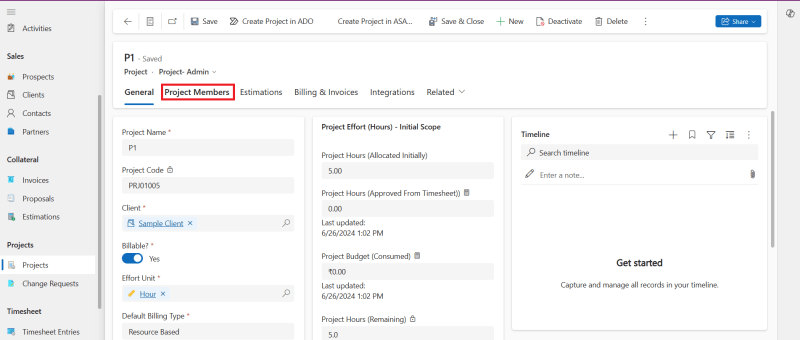
Here are the steps to perform to add Project Members to a project in Power Apps based Project Tracking system. Read more about the Prospect and Project Management Solution in Microsoft Power Platform: https://dynatecon.com/business-solutions/dynapro-prospect-and-project-management-solution-in-power-platform/ Steps: 1. Access the 'Dyna Project -Admin' main page 2. Click on Projects from Projects Operations in the left navigation bar.…
Creating Test Plans and Test Suites using Azure Devops
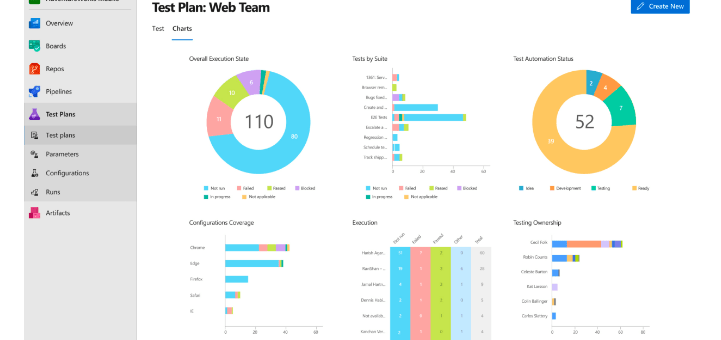
What is Azure Test plan? Azure Test Plans provides tools to accomplish quality and collaboration throughout the development process. This test management solution provides all the capabilities required for planned manual testing, user acceptance testing, exploratory testing and gathering feedback from stakeholders. It is easy-to-use and browser based . How does Azure Test Plans work?…
Functional Testing using Azure DevOps: A quick overview
Azure Devops provides more efficient ways for code development, deployment, testing, and release of software applications.The main features it provides for testing are:managing functional test scripts, sharing test steps and parameters between different test cases, defining configurations, defining test plans for different iterations, bulk import & export of test cases, test case execution, and reporting.…