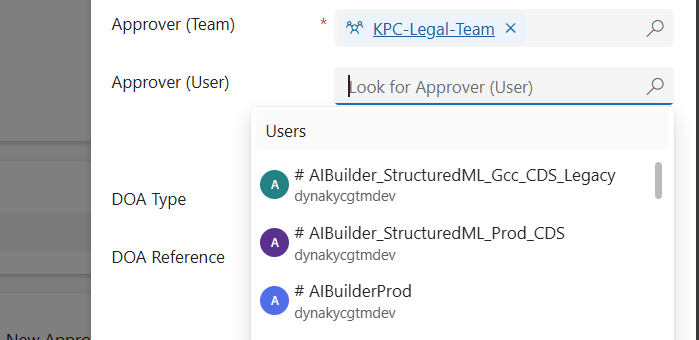
When working in Dynamics 365 or Power Apps model-driven apps, it’s common to have forms where you want to restrict a lookup field so it only shows relevant records. A typical scenario is filtering the “User” lookup field to only display users who belong to a specific Team. In this post, we’ll walk through how…
Tag: Power Apps Customization
Power Apps Grid Control for Dynamics 365
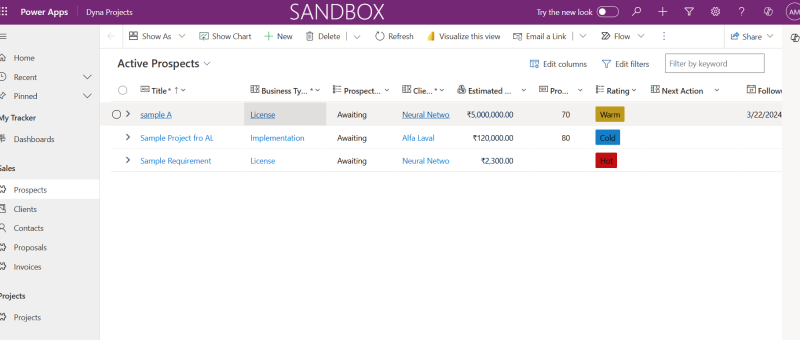
The Power Apps grid control represents the next evolution of the Power Apps read-only grid control, allowing users to view, open, and edit records from views and subgrids. In addition to inline editing, the control provides a number of other powerful capabilities including infinite scrolling, nested grids, grouping, aggregation, and is customizable. Like the read-only…
Show or Hide Tab Based on Field Value Using JavaScript in Dynamics 365 CRM
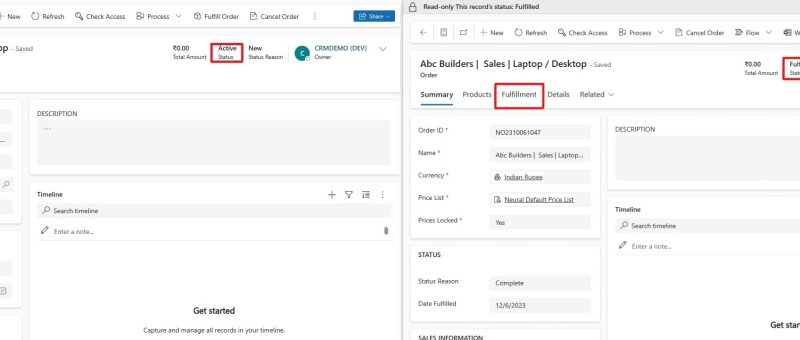
JavaScript is an essential part of modern web development. It is used to create interactive and dynamic websites, allowing for better user engagement and interaction. It runs on the user’s browser rather than the server, allowing for faster loading speeds and content manipulation without requiring a page to be reloaded. REQUIREMENT: In this case the…
Show and Hide Subgrid Based on Field Value Using JavaScript in MS Dynamics 365 CRM
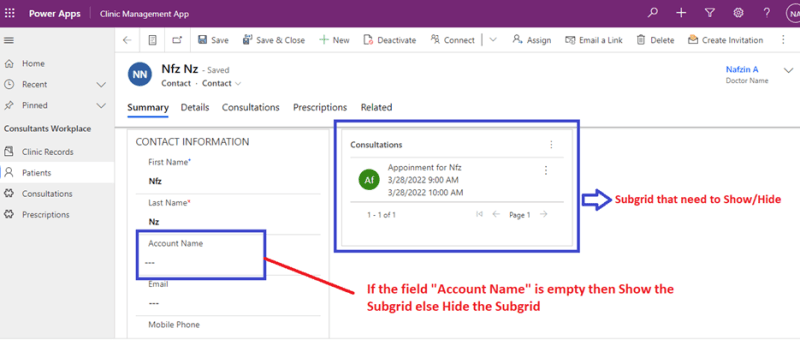
JavaScript is an important tool used in Microsoft Platforms to interact with entity forms and is executed for events that occur on the form. JavaScript form customizations is one of the best options needed to control business processes. One of the benefits of JavaScript Form programming is that they are immediate and doesn’t need data…