
 Written by
 Here are the steps to perform to create a new Invoice in Power Apps based Project Tracking system.
Read more about the Prospect and Project Management Solution in Microsoft Power Platform:
Steps:
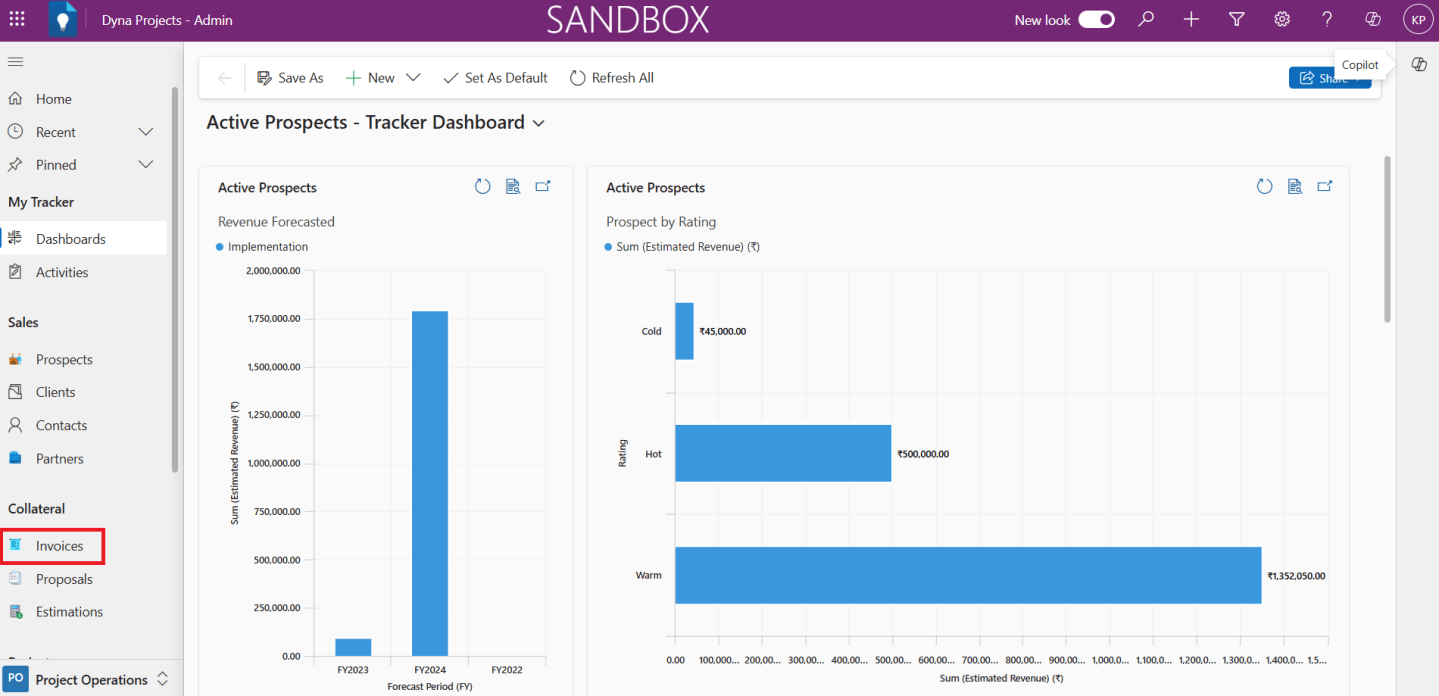
1.Access In the ‘Dyna Project -Admin’ main page

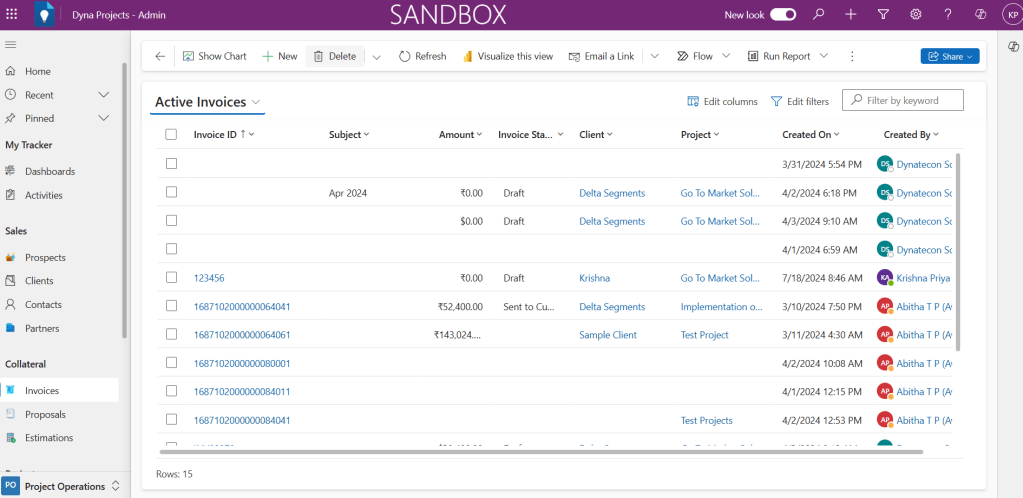
2. Click ‘Invoices’ under Collateral from Project Operations in the left navigation bar.
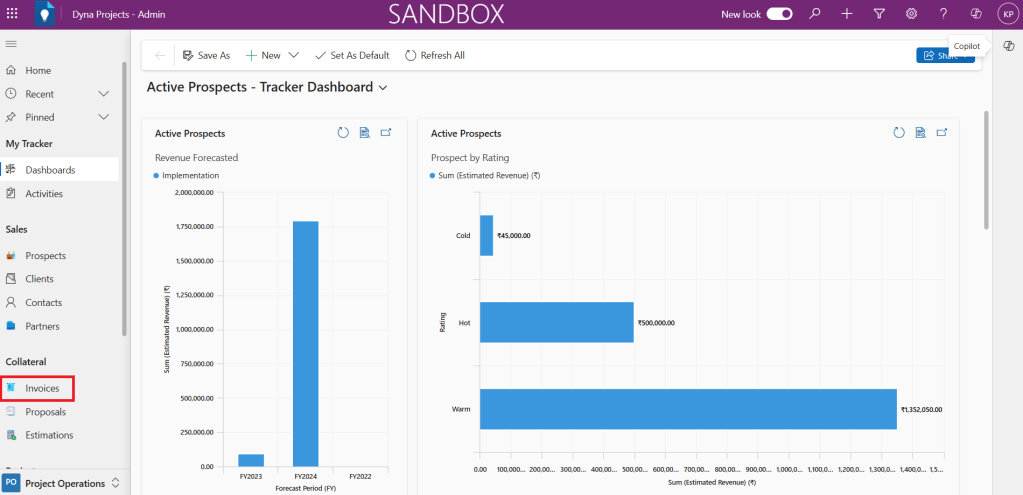
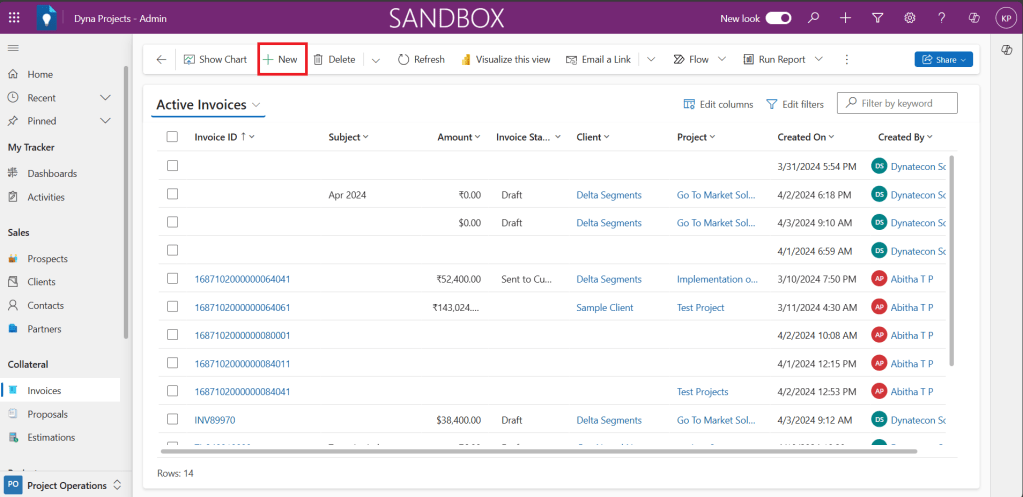
Active Invoices list view will be shown.

3. From the Active Invoices list, click ‘+New’ button on the top
4. New invoice form will get opened, fill all relevant fields in the form.
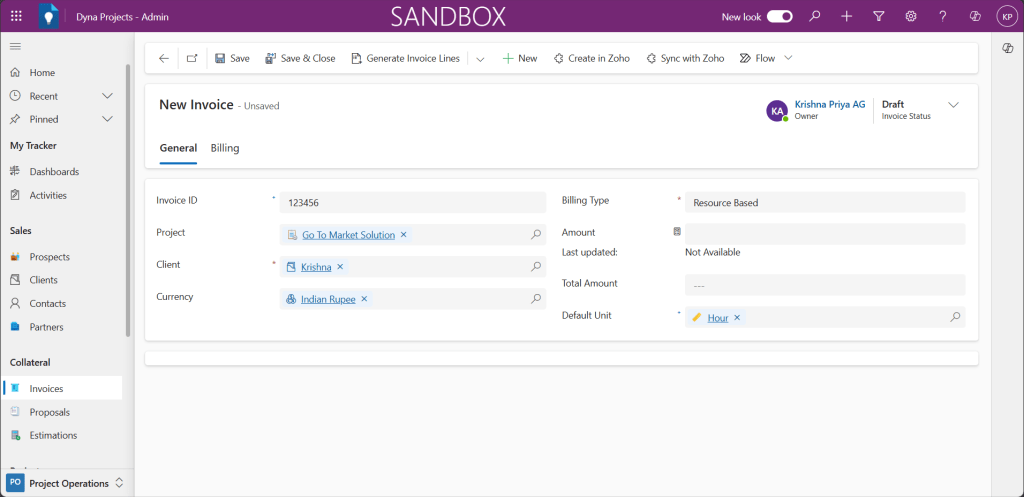
5. Then click ‘Save& Close’ button to save the document.

6. You could see the created invoices under ‘Active Invoices’. You could select, open , view and edit the record from here.
In case if you are interested to know more about this Power App, let’s connect
 Dynatecon Solutions