
 Written by
 Here are the steps to perform to create a new Change Request in Power Apps based Project Tracking system.
Read more about the Prospect and Project Management Solution in Microsoft Power Platform:
Steps:
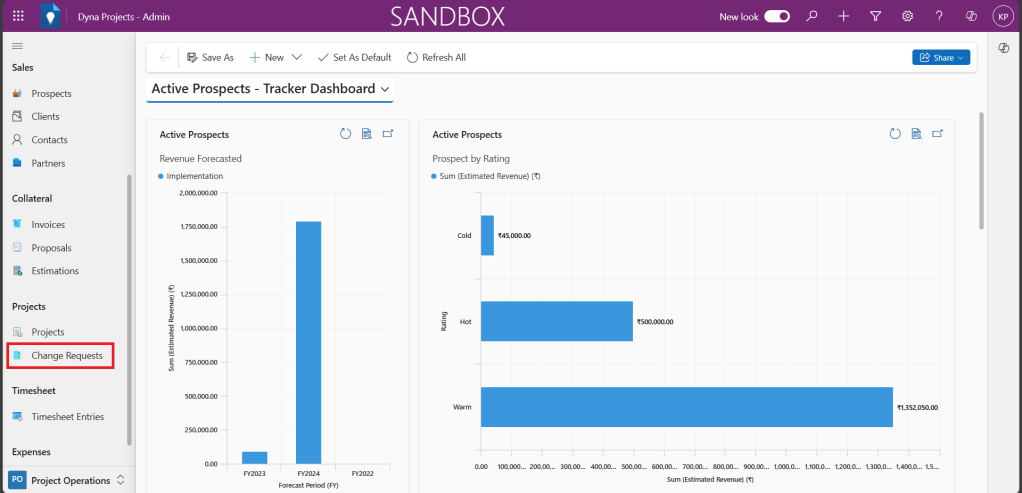
1. Access the ‘Dyna Project -Admin’ main page

2. Click on ‘Change Requests’ under Projects in Project operations from the left navigation bar.
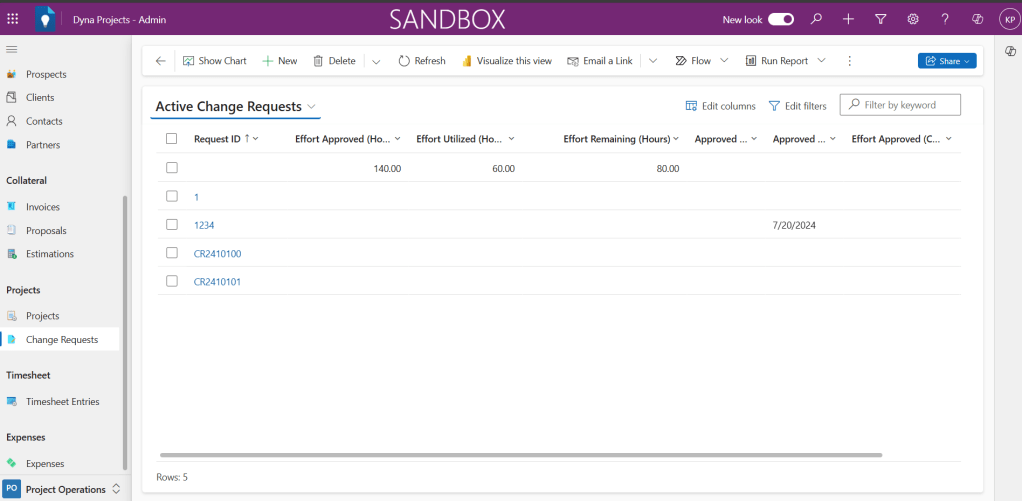
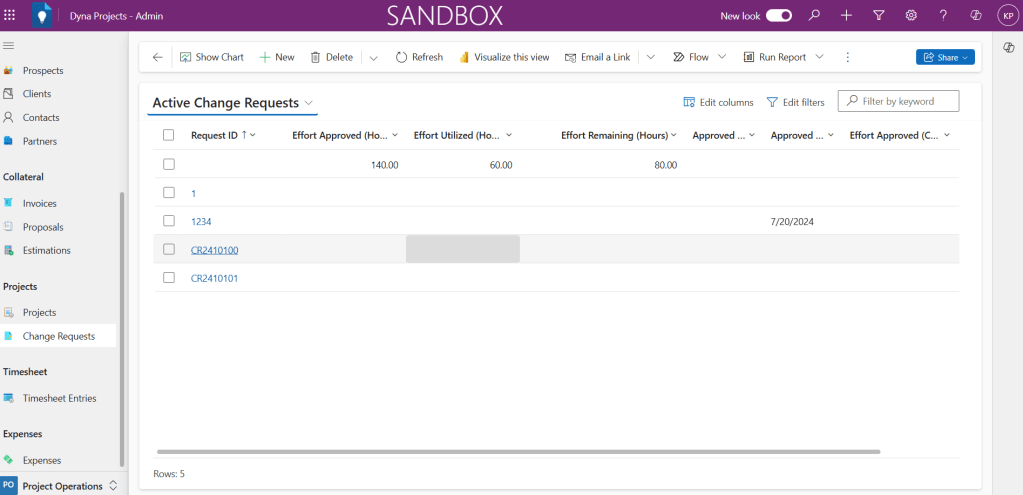
Active Change Requests list will be shown.
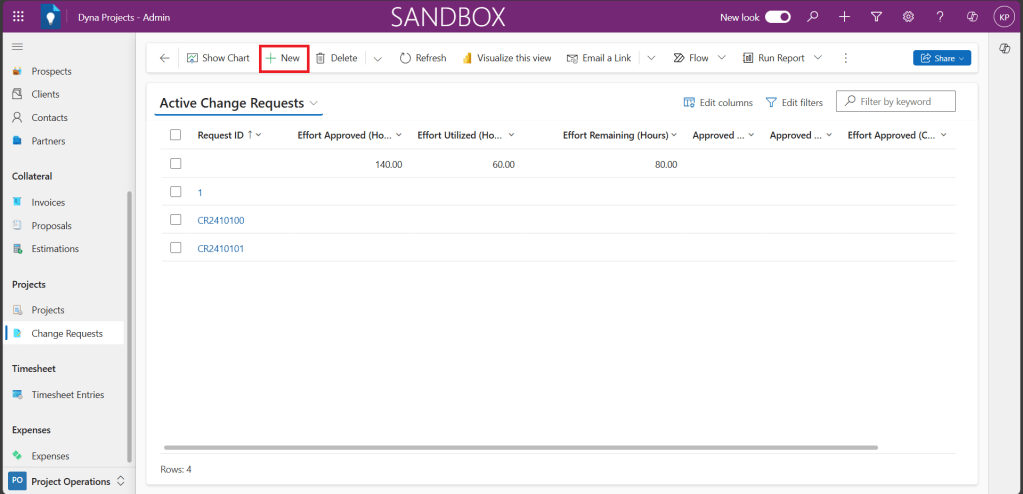
3. From Change Requests list view, click ‘+New’ button.
4. New Change Request form will get opened, fill all relevant fields in the form.
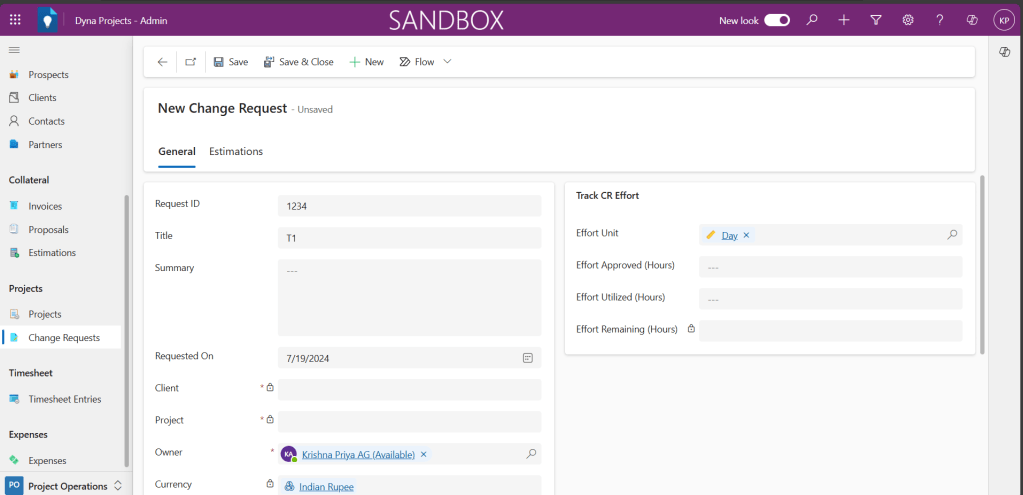
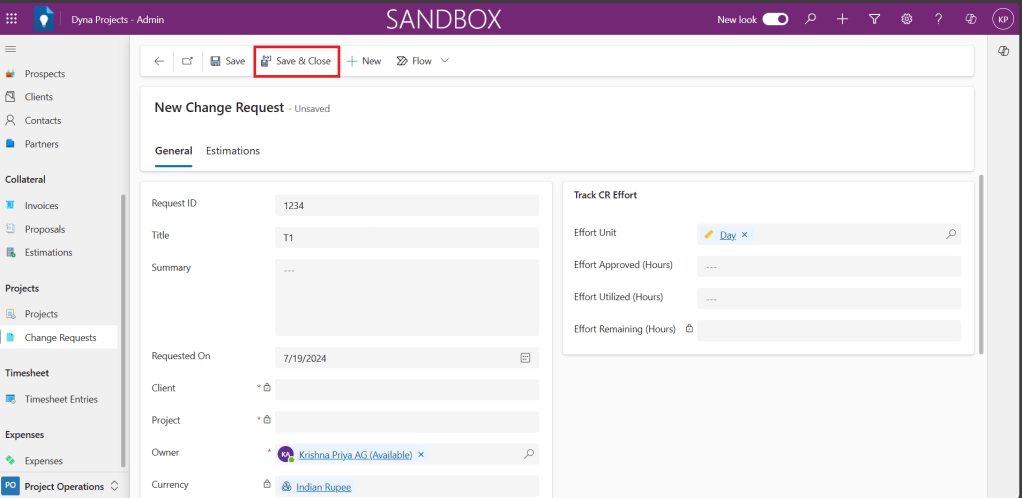
5. Click ‘Save & Close’ button.
6. You could see the created change requests under ‘Active Change Requests’. You could select, open, view and edit the record from here.
In case if you are interested to know more about this Power App, let’s connect
 Dynatecon Solutions