Filtering Users Based on Their Team in Dynamics 365 Using JavaScript
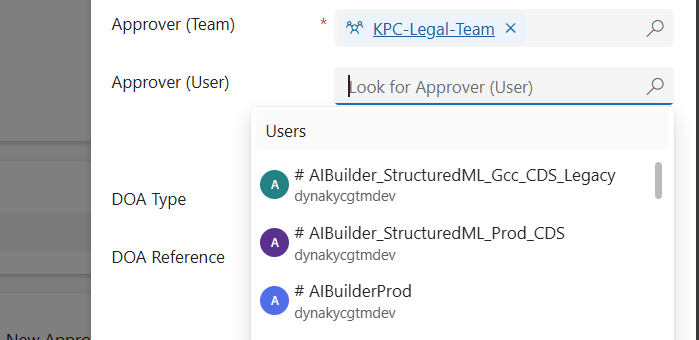
When working in Dynamics 365 or Power Apps model-driven apps, it’s common to have forms where you want to restrict a lookup field so it only shows relevant records. A typical scenario is filtering the “User” lookup field to only display users who belong to a specific Team. In this post, we’ll walk through how…

Show or Hide Tab Based on Field Value Using JavaScript in Dynamics 365 CRM

JavaScript is an essential part of modern web development. It is used to create interactive and dynamic websites, allowing for better user engagement and interaction. It runs on the user’s browser rather than the server, allowing for faster loading speeds and content manipulation without requiring a page to be reloaded. REQUIREMENT: In this case the…

Update multiple records using custom button

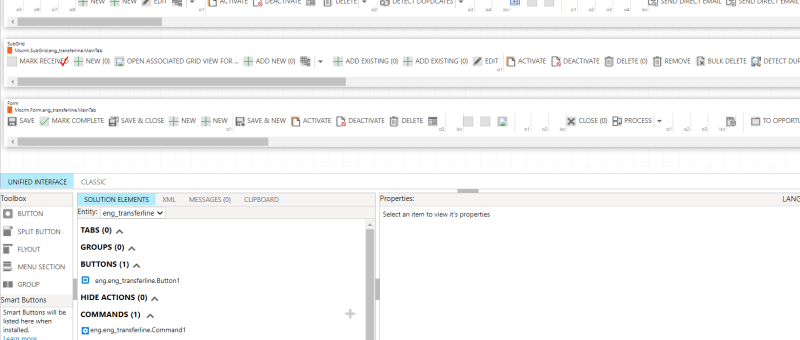
In Dynamics 365, it very common that a larger number of records need to be approved or a similar action need to be done. In these scenarios going to each record and performing the necessary action will not be a better option. To tackle these situations, custom buttons can be used. After selecting the records…

Show and Hide Subgrid Based on Field Value Using JavaScript in MS Dynamics 365 CRM

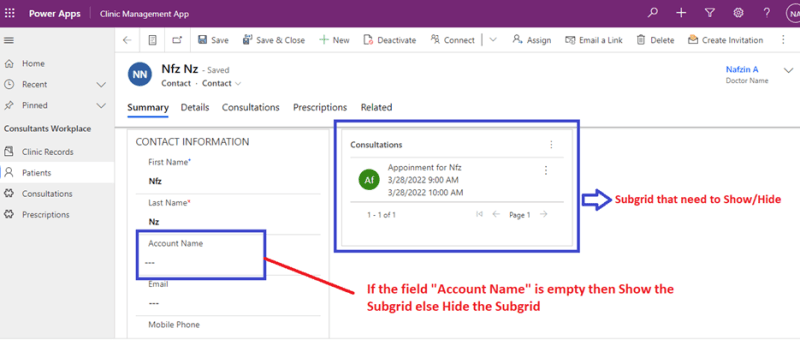
JavaScript is an important tool used in Microsoft Platforms to interact with entity forms and is executed for events that occur on the form. JavaScript form customizations is one of the best options needed to control business processes. One of the benefits of JavaScript Form programming is that they are immediate and doesn’t need data…

Dynamics 365 form level notification using JavaScript

The model-driven app and Microsoft Dynamics 365 do have inbuilt customizations up to a great extent. But for more specific customizations JavaScript is a much better tool. Here is an example of form level notifications applied to a form. The notification options available at form-level are: Error, Warning and Information. These notification options have different…