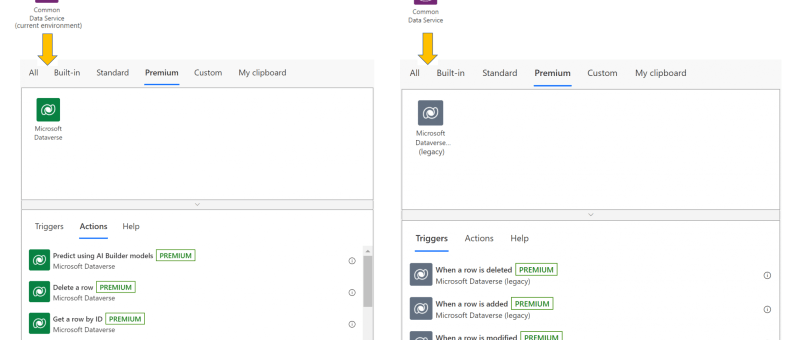
The Common Data Service (current environment) connector, featuring a native integration between Power Automate and Dataverse, will now be known as Microsoft Dataverse, and appear with the new icon and color shade as shown below. The previous Common Data Service connector will be known as Microsoft Dataverse (legacy). It will be shown with the new icon, albeit in a…
Tag: Power Automate
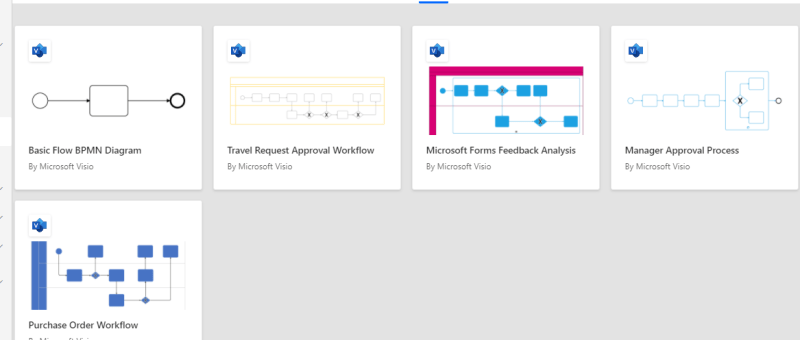
Design flows in Microsoft Visio
The Power Automate designer is a rich tool in which you can configure every detail of your logic. However, sometimes you may want to just sketch your flow logic before you start building your flow. To do this, use Microsoft Visio directly from within Power Automate.
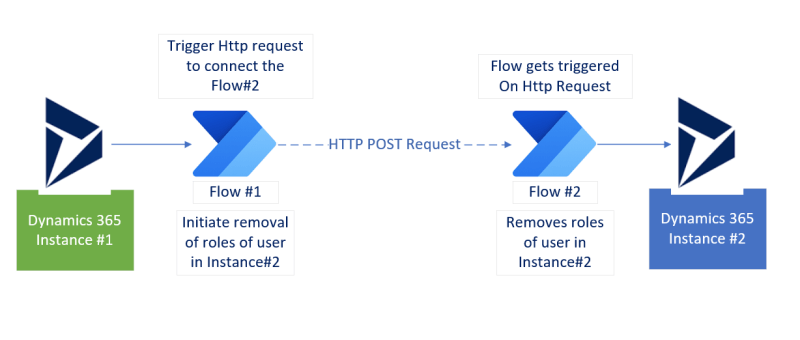
How to initiate flow in one Dynamic 365 instance from another Dynamics 365 instance?
1. How to initiate flow in one Dynamic 365 instance from another Dynamics 365 instance? 2. How to initiate Power Automate flow using Http request? 3. How to remove user's roles in an instance (and trigerred from another instance)? 4. How to get records using FetchXML in Power Automate Flow? 5. How to disassociate (or associate) relationship records in Power Automate Flow?
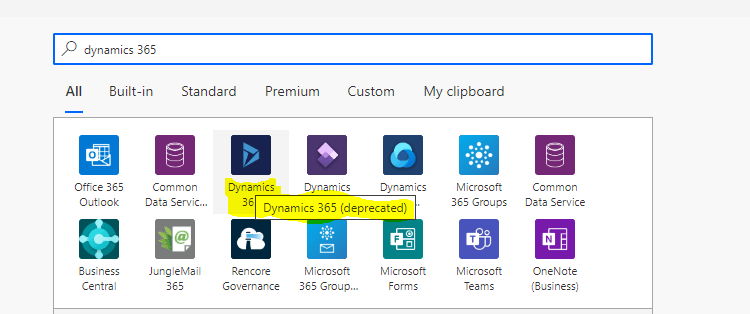
Dynamic 365 Connector in Power Automate is deprecated! Use Common Data Source (Current) connector instead
Dynamics 365 Connector in Power Automate Flow (Deprecated) Effective May 5, 2020 the Dynamics 365 connector used for Power Automate (MS Flow), Logic Apps and Canvas Apps is officially deprecated. Its recommended that we do not create new connections using this connector. Common Data Service (Current Environment) connector should be the first choice instead of ‘Dynamics 365 Connector’. You…