Automate Your Alerts: Sending Work Permit Expiration Reminders with Power Automate
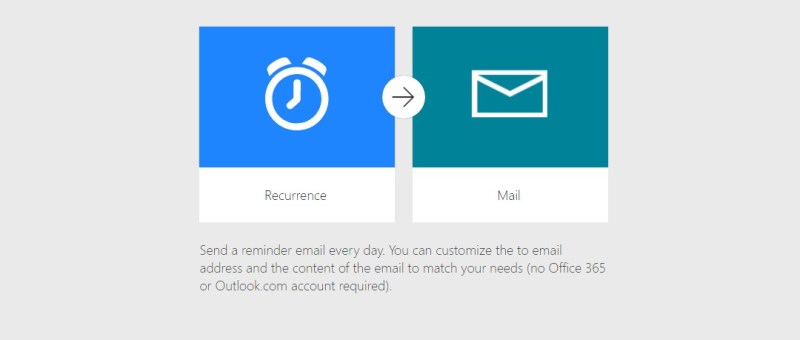
In today’s fast-paced work environment, keeping track of important deadlines like work permit expirations can be challenging. Fortunately, Microsoft Power Automate makes it easy to create flows that automate this process. In this blog post, we'll walk through how to set up a Power Automate flow that sends alerts to employees 30 days before their…

Use Environment variables in Power Automate to Create Folder in SharePoint

Environment variables in Power Apps are essentially key-value pairs that store configuration settings, which can be used across different components within your Power Platform solutions. They offer a flexible and efficient way to manage parameters that might change between environments (like development, testing, and production) or need to be updated without modifying the actual app…

eSign Document using Power Automate with Adobe Acrobat Sign

E-sign is the electronic equivalent of a handwritten signature. It's a digital way of signing documents electronically rather than using pen and paper. This process involves applying an electronic signature to a document. Documents can be signed and processed much faster compared to traditional ways. They can also be signed from anywhere with an internet…

Dynamics 365 – Populate Rich text control within a document template using Power Automate

Power Automate is a powerful tool that allows users to automate tasks and processes within Microsoft applications. One of its many useful features is the ability to populate rich text controls within a document template. Rich text control also known as content control are placeholders within a document that allow users to input and format…

Streamline Workflows in SharePoint: Discover the Combo of Power Apps Custom page and Power Automate using HTTP Request Connector

Efficient workflows are essential for maximizing productivity and ensuring seamless operations in SharePoint. By automating and streamlining processes the organizations can save time, reduce manual efforts, and improve collaboration. In this we will explore the combined power of Power Apps Custom Pages and Power Automate using Response Connector to streamline workflows in SharePoint Power Apps…

Upload Files Directly From Powerapps To Sharepoint(Using Graph API)

In this blog we will see how to upload files directly from powerapps to sharepoint without using any power automate flow. Here we will make use of Graph API. First we will create a sharepoint document library. For that go to the sharepoint site to which you want to create the library. And then click…

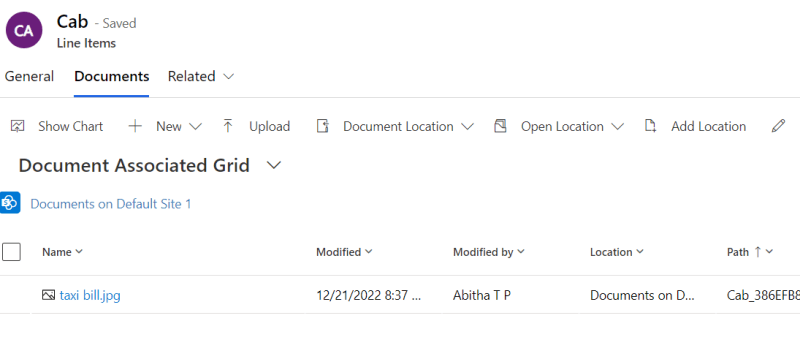
How to upload an image/file from canvas app to a SharePoint document library and display it in the Document section of model driven app (via Server side Synchronization)

Storing attachment from PowerApps to SharePoint is a common requirement for many apps. To accomplish this we will use a power automate flow with power apps as the trigger. This blog walks you through , how to upload an attachment from canvas app to the corresponding folder in SharePoint document library and thereby display it…