How to call a ‘Custom API developed in Dynamics 365’ via Postman
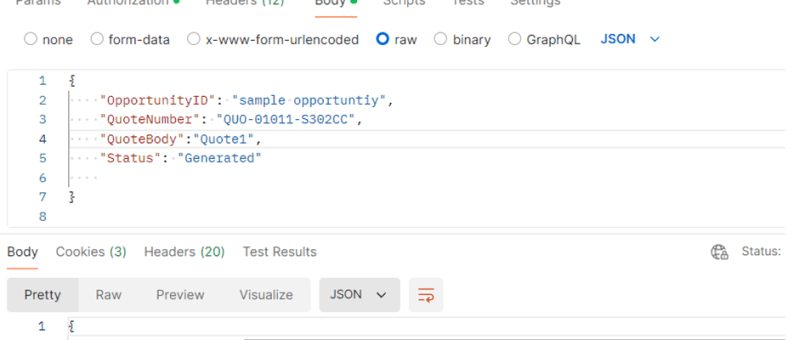
This blog post will guide you through the steps to call a custom API in Dynamics 365 using Postman, a widely used tool for API testing and development. By the end of this tutorial, you will have a solid grasp of setting up Postman, authenticating your requests, and interacting with custom API endpoints in D365.…

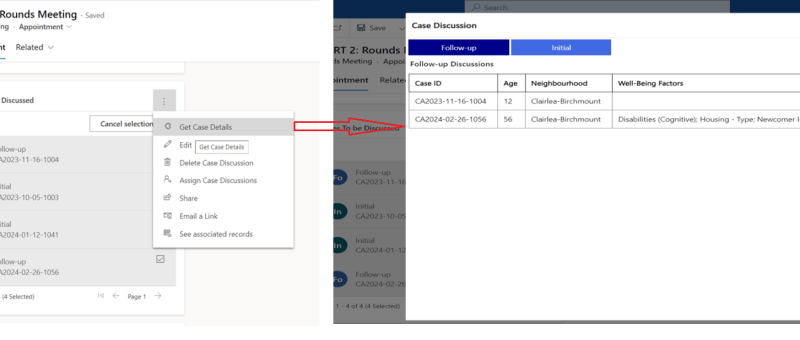
Open Power Apps Custom Page from Dataverse Subgrid

In the dynamic world of PowerApps, the ability to easily navigate between components is most important. One powerful feature that elevates user experience is the capability to open custom pages directly from a Dataverse subgrid. This functionality not only streamlines processes but also empowers users with a more personalized interface. REQUIREMENT In this situation, there's…

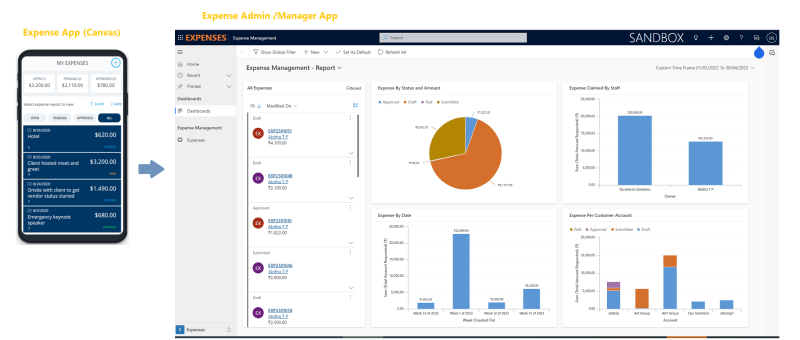
Expense Report App – Based on Power Apps (Canvas and Model Driven)

Microsoft has provided a sample Power App which can be used for the purpose of managing expenses. Ref: https://learn.microsoft.com/en-us/power-apps/maker/canvas-apps/expense-report-install We have added more features to the sample Expense App and would like to present and share that with the Power platform community for generic usage. Let's review the Power Apps based Expense Management Solution. This…

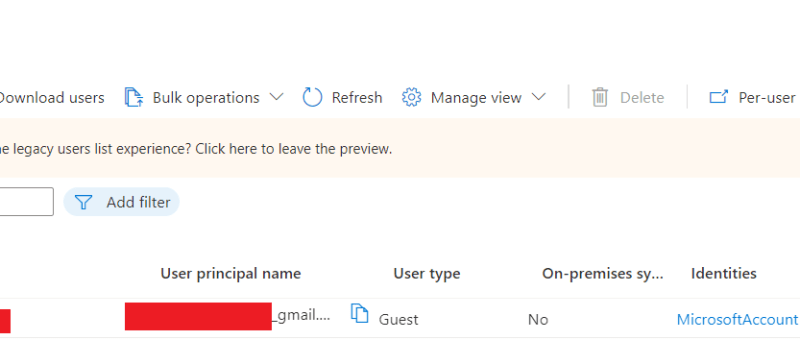
Invite External Contacts as Azure AD Guest Users via Power Automate Flow

In this blog we will see how can we add an external contact to Azure AD using power automate flow. This will create an azure AD  guest user account for the user and provide an invitation email with a url to access the APP. Use Case: You are building a Power App, and need to…

Upload Files Directly From Powerapps To Sharepoint(Using Graph API)

In this blog we will see how to upload files directly from powerapps to sharepoint without using any power automate flow. Here we will make use of Graph API. First we will create a sharepoint document library. For that go to the sharepoint site to which you want to create the library. And then click…

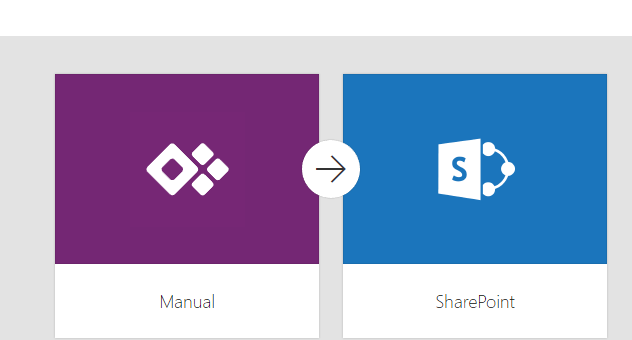
How to upload an image/file from canvas app to a SharePoint document library and display it in the Document section of model driven app (via Server side Synchronization)

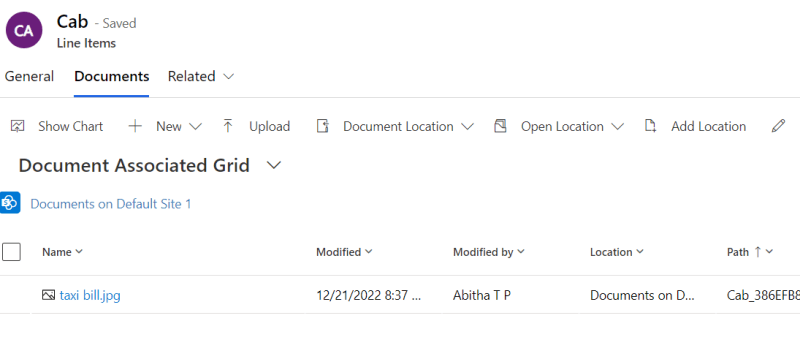
Storing attachment from PowerApps to SharePoint is a common requirement for many apps. To accomplish this we will use a power automate flow with power apps as the trigger. This blog walks you through , how to upload an attachment from canvas app to the corresponding folder in SharePoint document library and thereby display it…