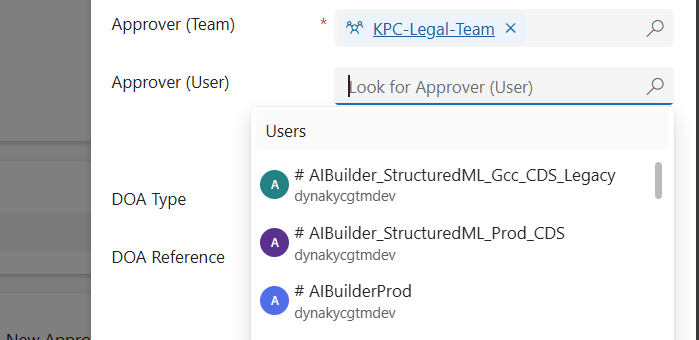
When working in Dynamics 365 or Power Apps model-driven apps, it’s common to have forms where you want to restrict a lookup field so it only shows relevant records. A typical scenario is filtering the “User” lookup field to only display users who belong to a specific Team. In this post, we’ll walk through how…
Category: Microsoft Dynamics
Useful information about Microsoft Dynamics CRM. Best coding practices in Dynamics CRM.
🚫 Fixing “Future Date” Validation Errors in Power Apps (Even for Today’s Date!)
📌 Problem We Faced: We had a custom JavaScript validation in our Power Apps Model-Driven form. The goal was simple: 👉 Show an error if the user enters a future date. We used this script: if(fieldValue && fieldValue > today) { showerror } At first, it worked fine. But then… 💥 in some systems, even when…
Variables vs Compose in Power Automate: What’s the Difference and When to Use?
When building Power Automate flows, two commonly used actions for storing data are: Initialize/Set Variable Compose 🧠 What is a Variable? A variable is a mutable container — which means you can change or update its value after it's created. You must initialize a variable with a specific datatype like String, Boolean, Integer, Array, or…
Leveraging TeamMembership_Association for Dynamic Team Filtering in Power Automate Cloud Flows
In this blog post, we’ll explore how you can dynamically retrieve team members using the teammembership_association/any(t:t/teamid eq teamid) query in Power Automate. This query is particularly important when working with Teams in Dataverse, as it enables you to efficiently filter and target specific team members for scenarios like notifications, approvals, or other automated workflows. We’ll…
Automate Your Alerts: Sending Work Permit Expiration Reminders with Power Automate
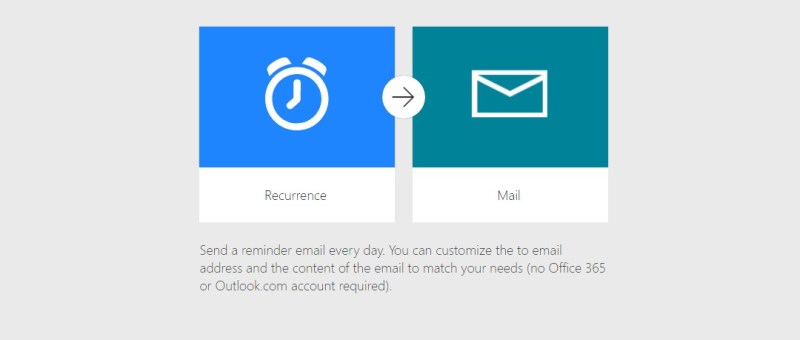
In today’s fast-paced work environment, keeping track of important deadlines like work permit expirations can be challenging. Fortunately, Microsoft Power Automate makes it easy to create flows that automate this process. In this blog post, we'll walk through how to set up a Power Automate flow that sends alerts to employees 30 days before their…
eSign Document using Power Automate with Adobe Acrobat Sign
E-sign is the electronic equivalent of a handwritten signature. It's a digital way of signing documents electronically rather than using pen and paper. This process involves applying an electronic signature to a document. Documents can be signed and processed much faster compared to traditional ways. They can also be signed from anywhere with an internet…
Dynamics 365 – Populate Rich text control within a document template using Power Automate
Power Automate is a powerful tool that allows users to automate tasks and processes within Microsoft applications. One of its many useful features is the ability to populate rich text controls within a document template. Rich text control also known as content control are placeholders within a document that allow users to input and format…
Power Apps Grid Control for Dynamics 365
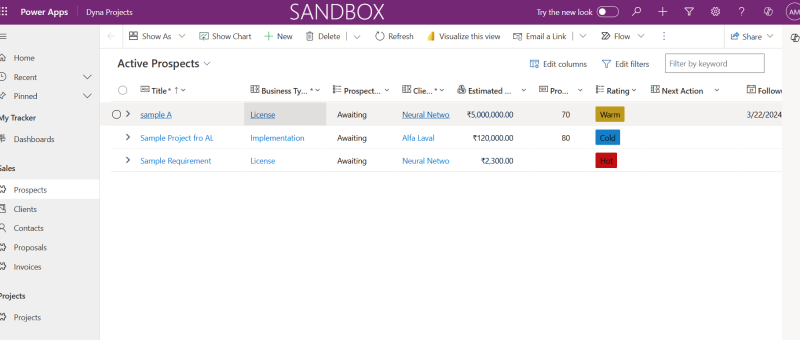
The Power Apps grid control represents the next evolution of the Power Apps read-only grid control, allowing users to view, open, and edit records from views and subgrids. In addition to inline editing, the control provides a number of other powerful capabilities including infinite scrolling, nested grids, grouping, aggregation, and is customizable. Like the read-only…
Dynamics 365 Sales Overview – Introductory Session [Video]
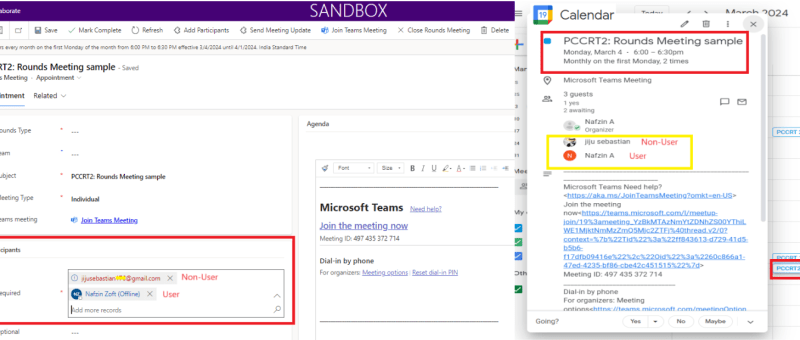
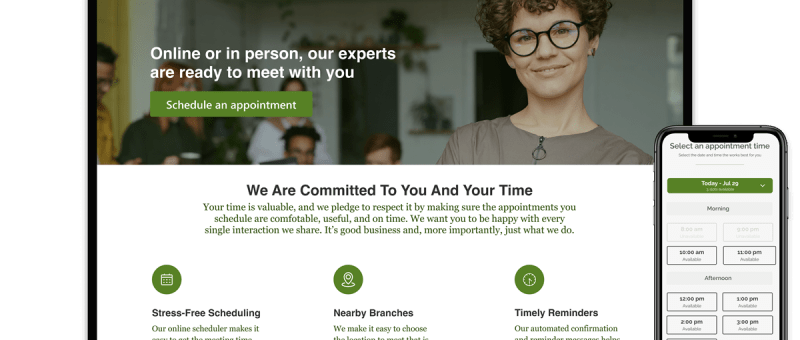
Send Appointment Invites from Power-Apps to Users as well as Non-Users and to reflect in the Calendar
This blog shares an idea about a standard feature in power apps, which can be used for setting up appointment invites from power apps. These appointments created will also be reflected in your event calendars which makes it easier for you to join the meetings directly from there. This interesting feature was recently implemented for…
Zoho Integration with Dynamics 365 – Sync Customers
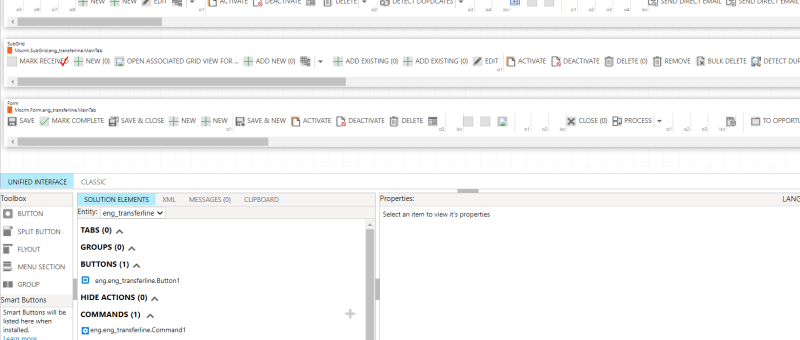
In the ever-evolving landscape of business automation, integrating different software systems has become crucial for streamlining processes and enhancing productivity. One powerful integration that can significantly benefit businesses is the seamless connection between Dynamics 365 and Zoho Books. In this blog post, we'll delve into the process of adding a custom button in Dynamics 365…
Azure DevOps Integration with Dynamics 365
The integration of Azure DevOps with Dynamics 365 offers numerous benefits for organization. First and foremost, it enables organization to have a unified view of all their work items, including user stories, bugs, and tasks, within one platform. Another advantage of this integration is the ability to link work items to specific Dynamics 365 records…
Populate Lookup fields and Text fields from an Entity to Another Entity using JavaScript – Dynamics 365 CRM
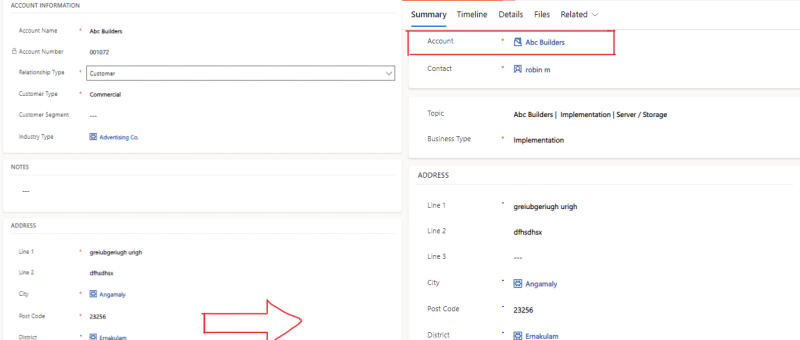
There are cases where we need to set a lookup field on a Dynamics 365 or Power Apps, where we want to retrieve value of lookup fields or Text fields on the form using JavaScript and set to other entities form fields. SCENARIO: In our case we are having entities like 'Account' and 'Lead', where…
How to Manage Consent for Text Messages in Real-Time Marketing
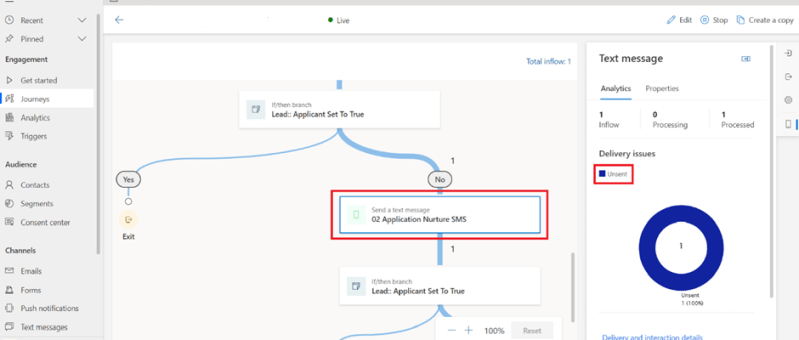
This blog is about the Real-time Marketing Consent Center, which allows you to manage consent information given by your customers for sending text messages through real-time marketing journeys. Real-time marketing consent is contact-point based and works for messages sent to contacts, leads, and Customer Insights profiles. Consent records can be created for managing emails and…
Field Service Overview – Introductory Session [Video]
Show or Hide Tab Based on Field Value Using JavaScript in Dynamics 365 CRM
JavaScript is an essential part of modern web development. It is used to create interactive and dynamic websites, allowing for better user engagement and interaction. It runs on the user’s browser rather than the server, allowing for faster loading speeds and content manipulation without requiring a page to be reloaded. REQUIREMENT: In this case the…
Exception handling in Power Automate
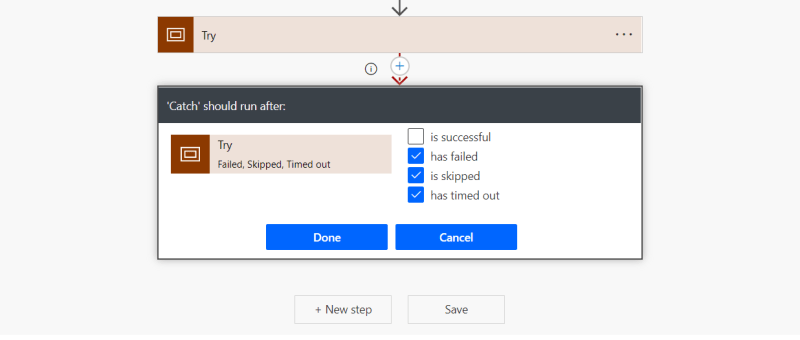
Exception handling is the most common practice used in programming to tackle unwanted or unexpected events. Since exception handling deals with anomalies, it avoids program error, flow error and system crashing. There are many reasons which can cause exceptions, including expression error, invalid user input, loss of network connection, user attempting to open files which…
Power Pages vs PowerApps Portals
The announcement of Power Pages at Microsoft Build was met with some real excitement from our consulting team. It is the fifth addition to the Power Platform – a suite of products designed to streamline your business processes and empower your people to create solutions to their own challenges. It was billed as a way…
Call Custom Page with parameters from Model Driven App – Using New Command Editor
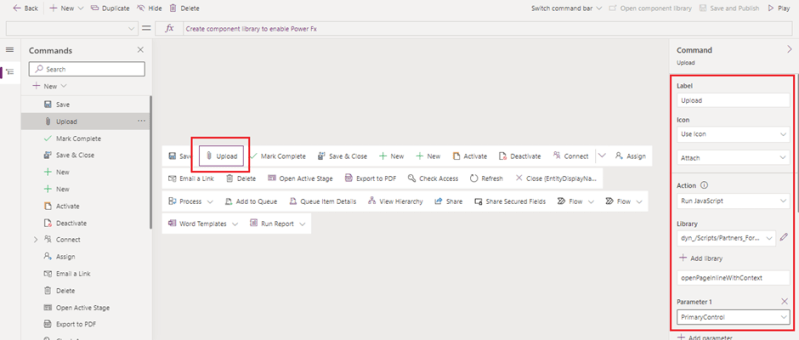
This blog guides you through, how to pass parameters from model-driven app to custom pages while opening custom page as a central dialog inside form using button, in order to upload documents to the respective record's folders in SharePoint. This Functionality was achieved by adding buttons to forms in model-driven apps using the new command…
Update multiple records using custom button
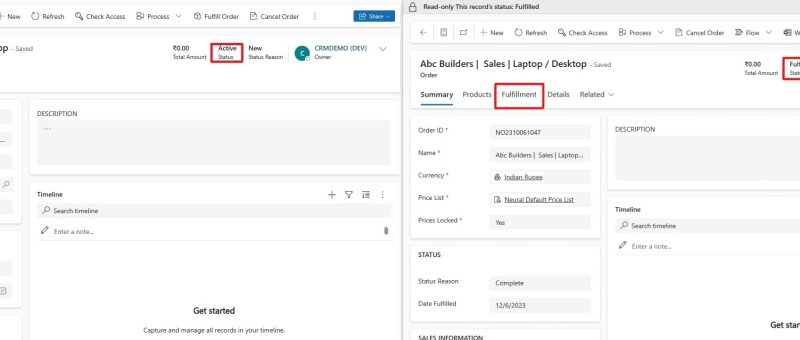
In Dynamics 365, it very common that a larger number of records need to be approved or a similar action need to be done. In these scenarios going to each record and performing the necessary action will not be a better option. To tackle these situations, custom buttons can be used. After selecting the records…