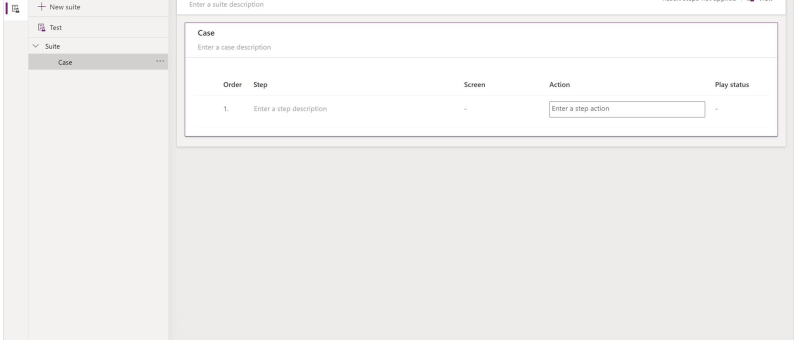
What is Test Studio You can test inside of canvas apps with the built-in tool called Power App Test Studio. This tool can help you write, organize, and automate your tests for canvas apps. How to Work with Test Studio Open Test Studio Sign into Power Apps Create a new app or edit an existing app…
Category: Canvas Apps
Manage Field visits and Incidents from mobile device using Power App (Canvas App): Incidents Hub
Welcome to this step-by-step guide on building a simple Canvas App called "INCIDENTS HUB" using Microsoft PowerApps. The INCIDENTS HUB app will help users track and manage incidents efficiently, offering an easy-to-use interface for viewing, adding, and updating incident records. Prerequisites An active Microsoft PowerApps account. Basic understanding of PowerApps interface and functions. A data…
Invite External Contacts as Azure AD Guest Users via Power Automate Flow
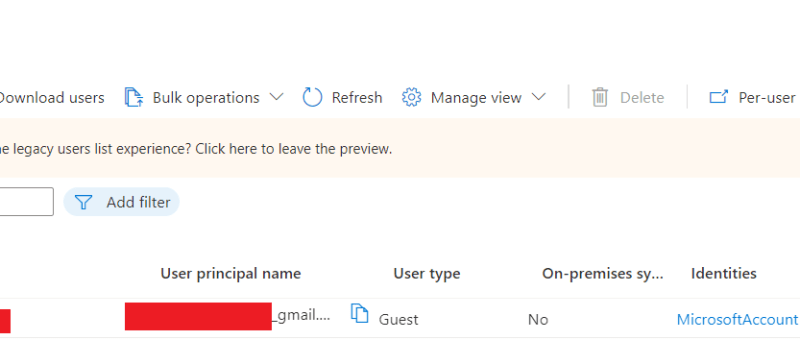
In this blog we will see how can we add an external contact to Azure AD using power automate flow. This will create an azure AD guest user account for the user and provide an invitation email with a url to access the APP. Use Case: You are building a Power App, and need to…
How to upload an image/file from canvas app to a SharePoint document library and display it in the Document section of model driven app (via Server side Synchronization)
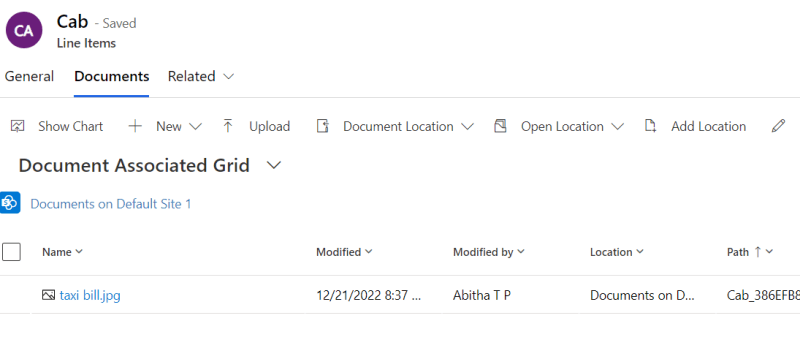
Storing attachment from PowerApps to SharePoint is a common requirement for many apps. To accomplish this we will use a power automate flow with power apps as the trigger. This blog walks you through , how to upload an attachment from canvas app to the corresponding folder in SharePoint document library and thereby display it…
Call Custom Page with parameters from Model Driven App – Using New Command Editor
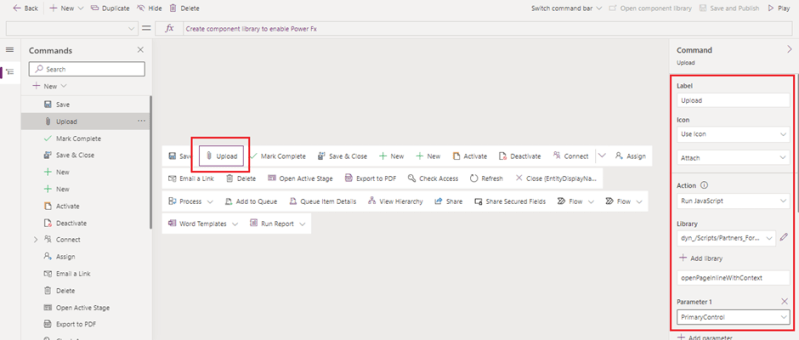
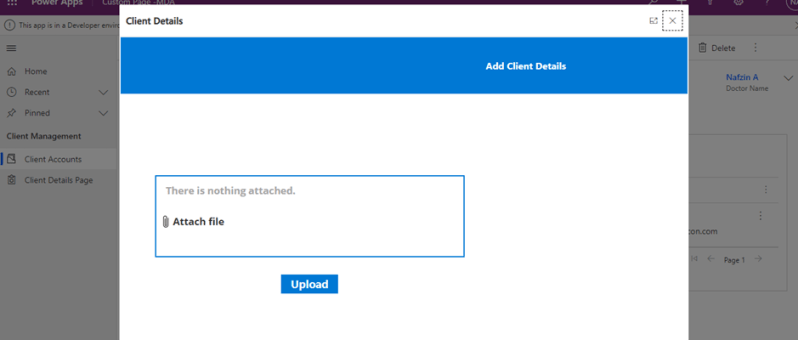
This blog guides you through, how to pass parameters from model-driven app to custom pages while opening custom page as a central dialog inside form using button, in order to upload documents to the respective record's folders in SharePoint. This Functionality was achieved by adding buttons to forms in model-driven apps using the new command…
How to Upload Documents from Custom Page to their Respective Record’s Folders in SharePoint
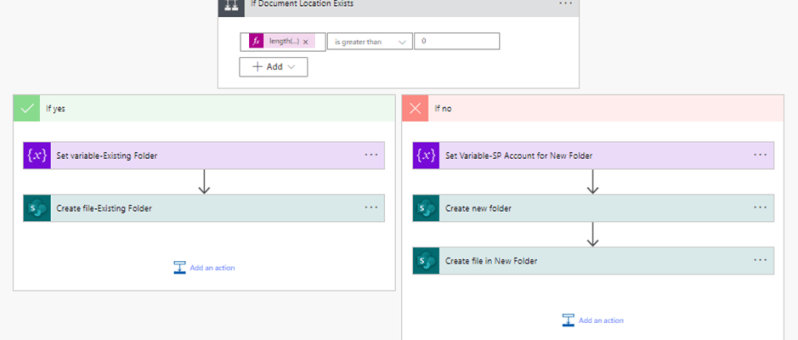
This blog takes you through, how to upload document files from custom page opened in a model-driven form to that respective record’s newly created or already existing folders in SharePoint. This scenario is achieved with the help of a power automate flow. The steps involved in the power automate flow are explained below: Step 1:…
How to Call a Custom Page from Button Click in Model-Driven App
The usage of buttons in model-driven apps helps in easy navigation from one table to other tables or custom pages without even leaving the respective forms. Ribbon workbench is an efficient tool used for the same. This blog guides you through, how to call a custom page as a central dialog box inside the account…
Call HTTP Request from Canvas Power App using Power Automate Flow and get back Multiple Rows as Response
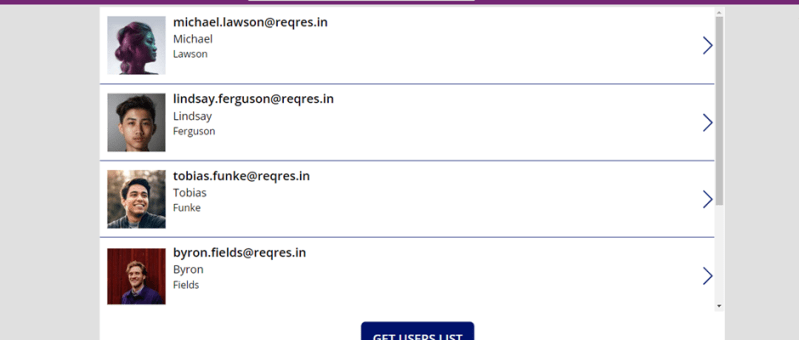
Well, in order to call HTTP request from canvas app to external resources, you will need to go through a power automate flow and then get response back in the canvas power apps as referred in the figure below. SCENARIO: Call a flow from within a canvas power app on clicking a button and capture…
Delete confirmation Dialog in PowerApps Canvas App
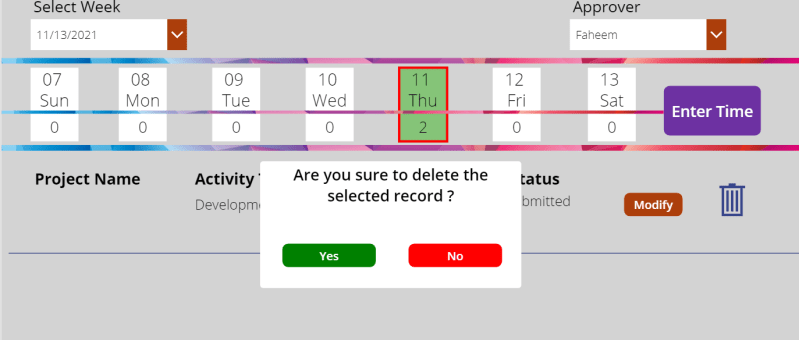
In canvas app we usually come across the need of different types of dialog boxes. Confirmation dialog box is one among those. Mostly confirmation dialog boxes are provided in the app where critical actions like delete, approve, reject etc. are performed. In our case we are trying to delete the gallery item with a confirmation…