PowerApps for Nonprofits: Why should you choose?

If you work at a nonprofit, you should understand the benefits of Microsoft PowerApps for nonprofits. What is PowerApps? Microsoft PowerApps is a tool that aims to place all the power of software design into the hands of non-coders. You can create custom apps from scratch to solve all your nonprofit’s unique problems. And thanks…

Show or Hide Tab Based on Field Value Using JavaScript in Dynamics 365 CRM

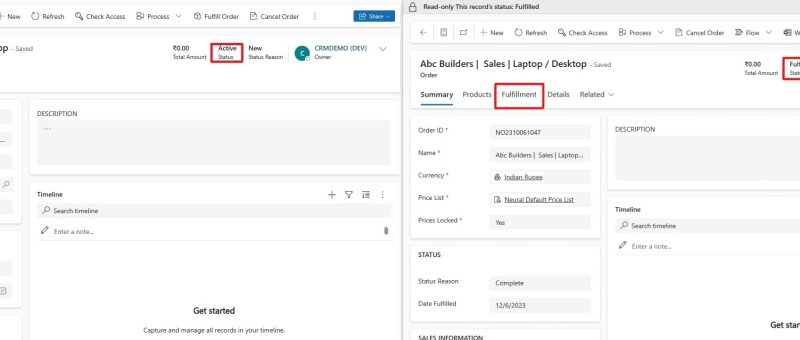
JavaScript is an essential part of modern web development. It is used to create interactive and dynamic websites, allowing for better user engagement and interaction. It runs on the user’s browser rather than the server, allowing for faster loading speeds and content manipulation without requiring a page to be reloaded. REQUIREMENT: In this case the…

Enhancing N:N Multi-Select PCF-Control for Model-Driven Power Apps with Filtering

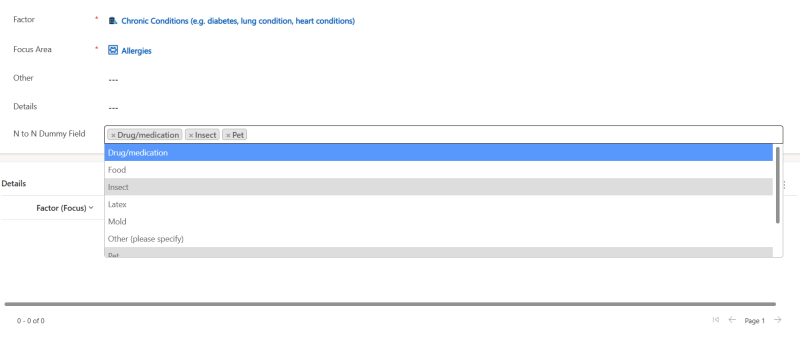
If you've ever worked with Model-Driven Power Apps, you're probably familiar with the challenges posed by N:N (Many-to-Many) relationships and the need for multi-select controls to efficiently manage related records. In this blog post, we'll introduce you to an N:N Multi-Select control for Model-Driven Power Apps and explore how we've enhanced it with filtering capabilities,…

Streamline Workflows in SharePoint: Discover the Combo of Power Apps Custom page and Power Automate using HTTP Request Connector

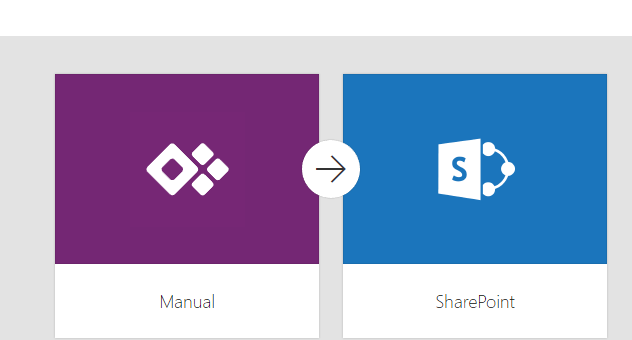
Efficient workflows are essential for maximizing productivity and ensuring seamless operations in SharePoint. By automating and streamlining processes the organizations can save time, reduce manual efforts, and improve collaboration. In this we will explore the combined power of Power Apps Custom Pages and Power Automate using Response Connector to streamline workflows in SharePoint Power Apps…

Invite External Contacts as Azure AD Guest Users via Power Automate Flow

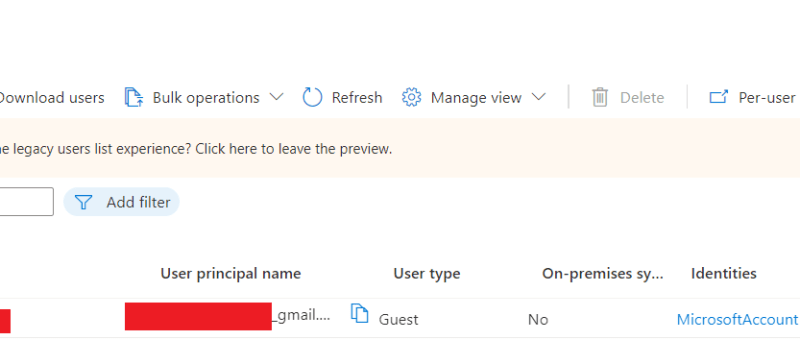
In this blog we will see how can we add an external contact to Azure AD using power automate flow. This will create an azure AD  guest user account for the user and provide an invitation email with a url to access the APP. Use Case: You are building a Power App, and need to…

Upload Files Directly From Powerapps To Sharepoint(Using Graph API)

In this blog we will see how to upload files directly from powerapps to sharepoint without using any power automate flow. Here we will make use of Graph API. First we will create a sharepoint document library. For that go to the sharepoint site to which you want to create the library. And then click…

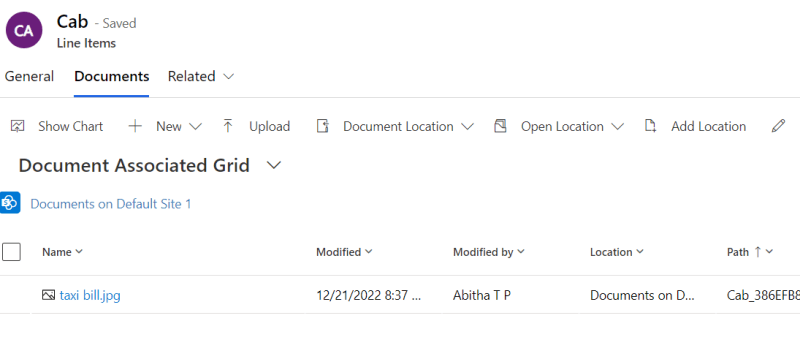
How to upload an image/file from canvas app to a SharePoint document library and display it in the Document section of model driven app (via Server side Synchronization)

Storing attachment from PowerApps to SharePoint is a common requirement for many apps. To accomplish this we will use a power automate flow with power apps as the trigger. This blog walks you through , how to upload an attachment from canvas app to the corresponding folder in SharePoint document library and thereby display it…

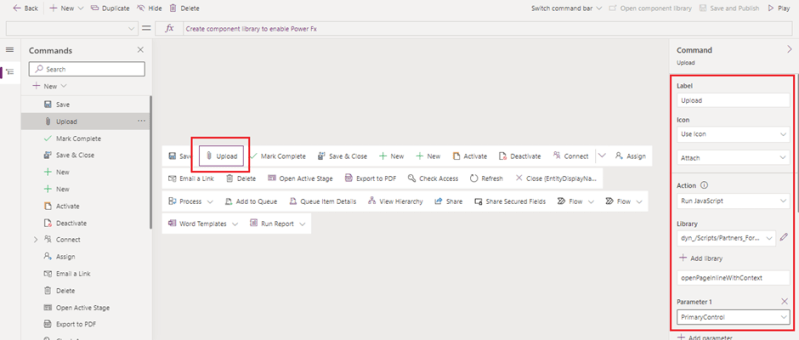
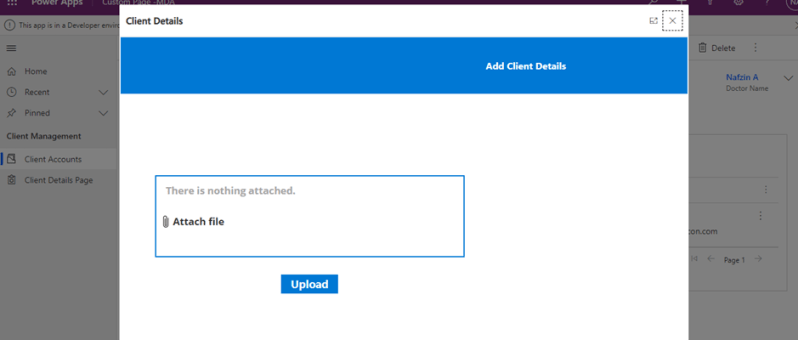
Call Custom Page with parameters from Model Driven App – Using New Command Editor

This blog guides you through, how to pass parameters from model-driven app to custom pages while opening custom page as a central dialog inside form using button, in order to upload documents to the respective record's folders in SharePoint. This Functionality was achieved by adding buttons to forms in model-driven apps using the new command…

How to Call a Custom Page from Button Click in Model-Driven App

The usage of buttons in model-driven apps helps in easy navigation from one table to other tables or custom pages without even leaving the respective forms. Ribbon workbench is an efficient tool used for the same. This blog guides you through, how to call a custom page as a central dialog box inside the account…

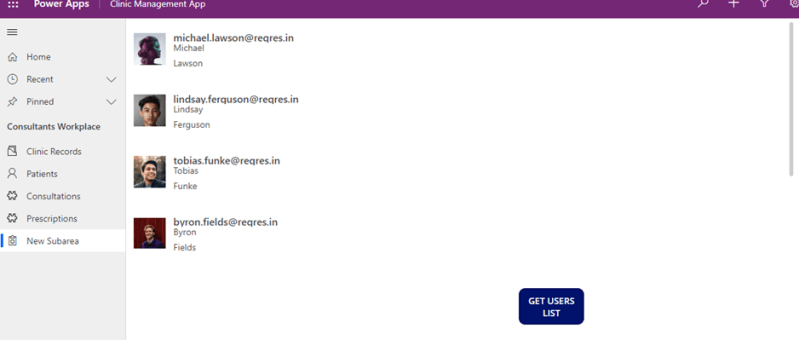
How to add a Custom Page to an Existing Model-Driven App

The custom page is a new page type within a model-driven app, which brings the power of canvas apps into model-driven apps. Custom pages increase the convergence of model-driven and canvas apps and can be used to add full pages or dialogs with the flexibility of the canvas designer. This blog tells you how to…

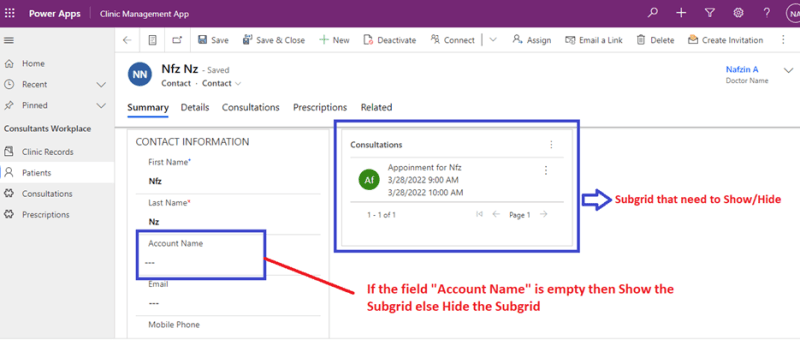
Show and Hide Subgrid Based on Field Value Using JavaScript in MS Dynamics 365 CRM

JavaScript is an important tool used in Microsoft Platforms to interact with entity forms and is executed for events that occur on the form. JavaScript form customizations is one of the best options needed to control business processes. One of the benefits of JavaScript Form programming is that they are immediate and doesn’t need data…