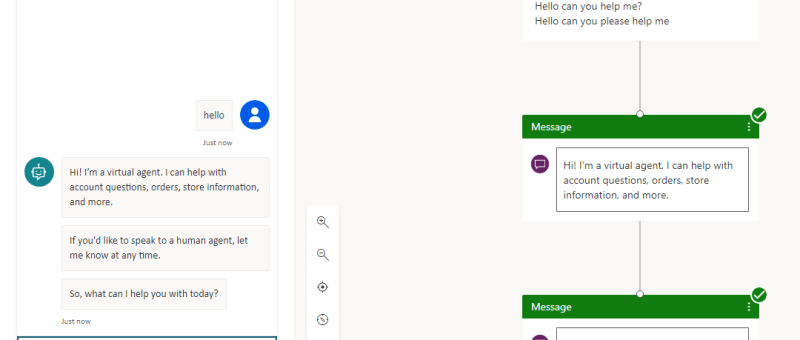
Omnichannel for Customer Service is a robust application that extends the power of Dynamics 365 Customer Service to enable organizations to instantly connect and engage with their customers via channels like Live Chat and SMS. Fig. 1 When a customer initiates a chat with any of the mode, the chat directly lands in Omnichannel dashboard.…
Category: Power Platform
Visualize your data quickly from Power Apps and Dynamics 365 apps (preview)
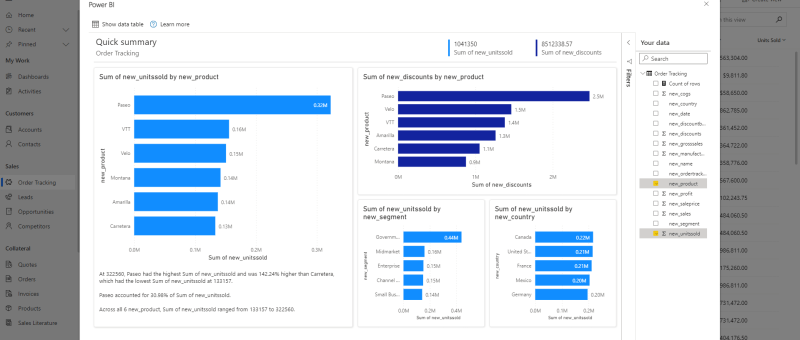
There's a new way to visualize your model-driven Power Apps and Dynamics 365 data stored within Dataverse. With a single click, Power BI will automatically generate a set of visuals for you to explore and find insights within your data. Read more about this here Known issues and limitations Currently, the visuals generated from this…
Delete confirmation Dialog in PowerApps Canvas App
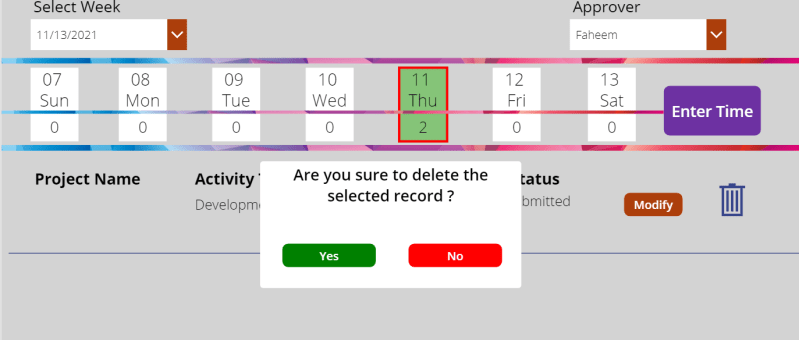
In canvas app we usually come across the need of different types of dialog boxes. Confirmation dialog box is one among those. Mostly confirmation dialog boxes are provided in the app where critical actions like delete, approve, reject etc. are performed. In our case we are trying to delete the gallery item with a confirmation…
Migrate Auto Record Creation Rules & SLAs to UCI before Oct 21!
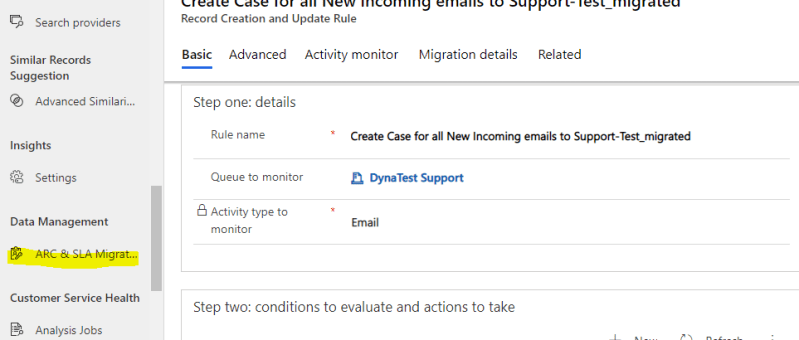
Automatic Record Creation rules and SLAs are required to be migrated from Webclient to UCI client by Oct 2021. There is a ARC & SLA migration tool in the Customer Service Hub and the same can be used for the migration. Internally these processes were running on traditional workflows and this is the strategic move…
Dataverse and Dataverse (Legacy) connectors in Power Automate. Not just a name change!
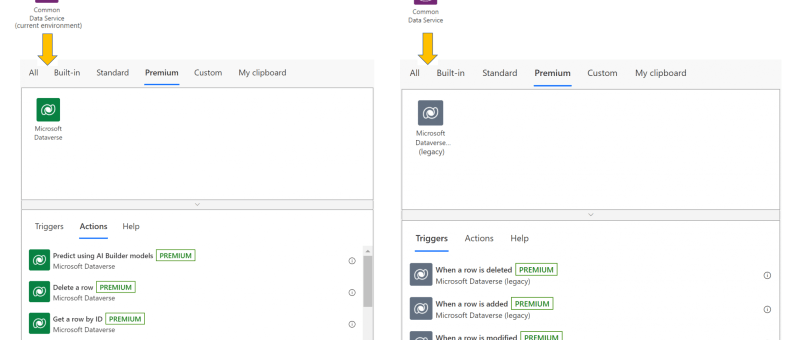
The Common Data Service (current environment) connector, featuring a native integration between Power Automate and Dataverse, will now be known as Microsoft Dataverse, and appear with the new icon and color shade as shown below. The previous Common Data Service connector will be known as Microsoft Dataverse (legacy). It will be shown with the new icon, albeit in a…
Design flows in Microsoft Visio
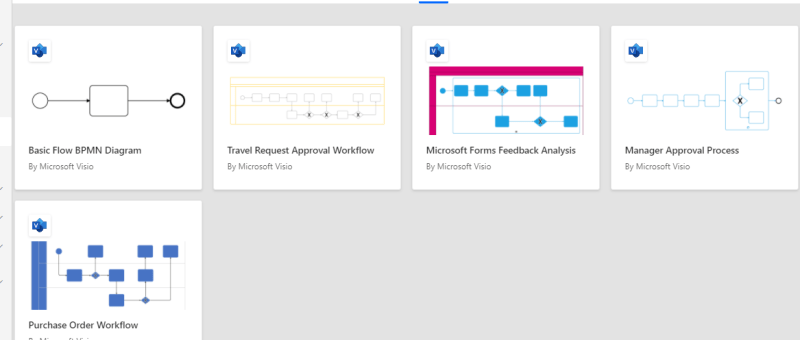
The Power Automate designer is a rich tool in which you can configure every detail of your logic. However, sometimes you may want to just sketch your flow logic before you start building your flow. To do this, use Microsoft Visio directly from within Power Automate.
Improve the way you manage projects with ‘Microsoft Project for Web’
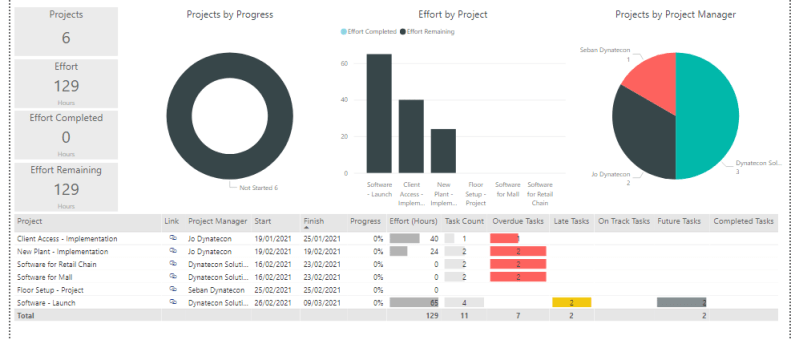
If you are a project manager or running a product or service oriented company, its worth to explore the Microsoft Project for Web application to improve the way you manage your projects. This can surely add lot of value to your day-to-day life. It's not just about the online application but also the analytical reports…
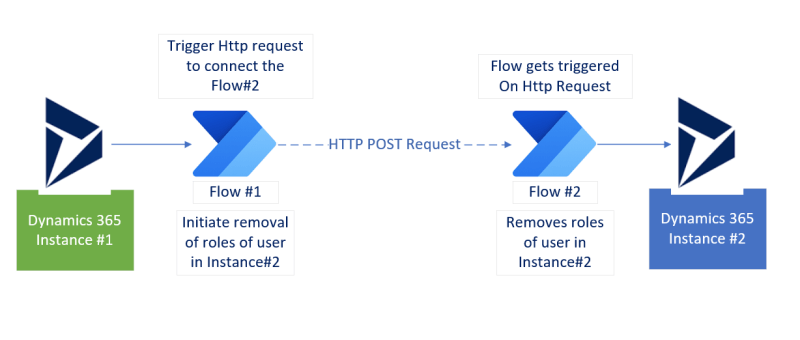
How to initiate flow in one Dynamic 365 instance from another Dynamics 365 instance?
1. How to initiate flow in one Dynamic 365 instance from another Dynamics 365 instance? 2. How to initiate Power Automate flow using Http request? 3. How to remove user's roles in an instance (and trigerred from another instance)? 4. How to get records using FetchXML in Power Automate Flow? 5. How to disassociate (or associate) relationship records in Power Automate Flow?
Inline images in Email Signature and Email templates in Dynamics 365
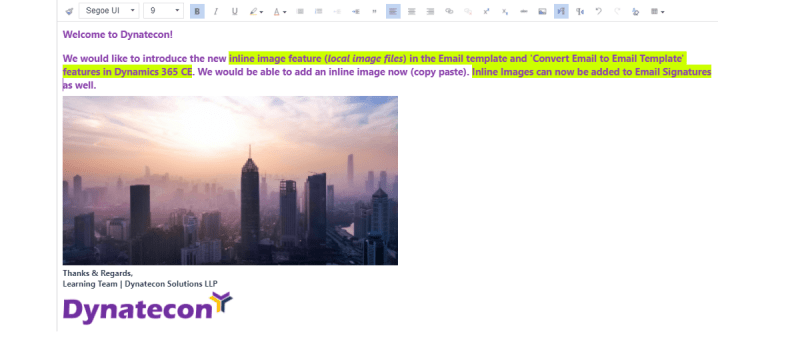
It was a long awaited feature to add inline images in the email templates and Email Signature in Dynamics 365 (files available in the local folder) and its available now. We would be able to create beautiful email templates with inline images and additional editor options.
Microsoft Lists + Teams + Power Automate+Dynamics 365 : How would it be beneficial for SMBs?
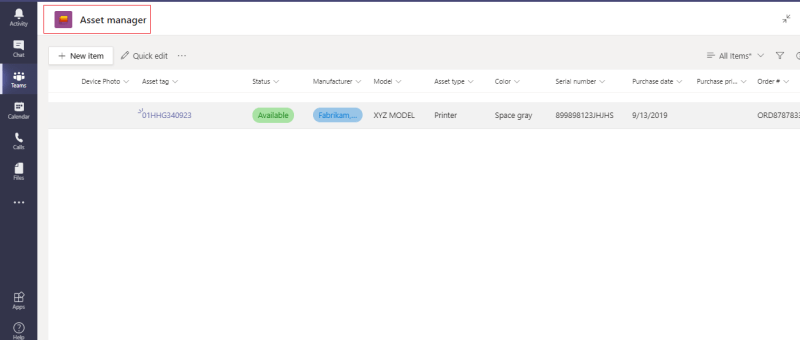
Microsoft Lists is an evolved version of SharePoint List which offers improved features and also a stand alone mobile app. Looking at this, we believe this is going to add huge benefits for organizations to organize and manage their processes within Microsoft List from Microsoft Teams or from it's own mobile app for Mobile users.…
Dynamic 365 Connector in Power Automate is deprecated! Use Common Data Source (Current) connector instead
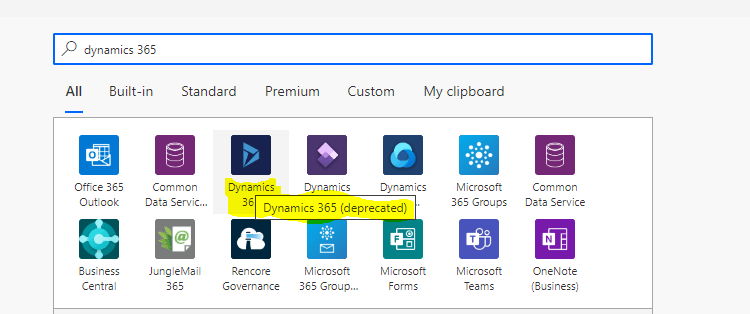
Dynamics 365 Connector in Power Automate Flow (Deprecated) Effective May 5, 2020 the Dynamics 365 connector used for Power Automate (MS Flow), Logic Apps and Canvas Apps is officially deprecated. Its recommended that we do not create new connections using this connector. Common Data Service (Current Environment) connector should be the first choice instead of ‘Dynamics 365 Connector’. You…
How to monitor application performance in Dynamics 365 Online
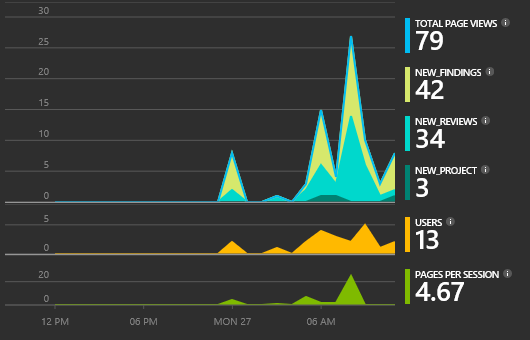
If you use On-premise version of Dynamics 365, monitoring performance of the local server is quite easy as the internal IT team has complete access to the application and DB servers. When it comes to Dynamics 365 online, users will not have option to login to the server and monitor the performance. However, Microsoft…