Filtering Users Based on Their Team in Dynamics 365 Using JavaScript
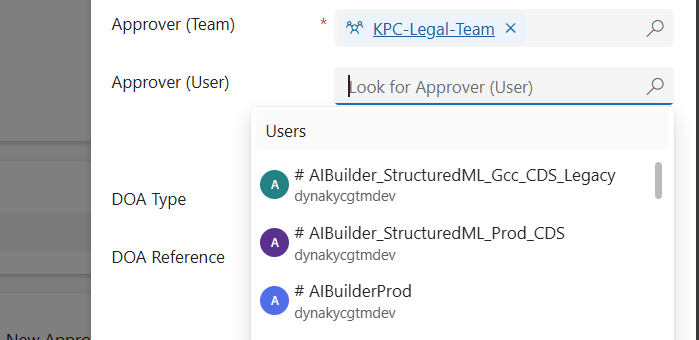
When working in Dynamics 365 or Power Apps model-driven apps, it’s common to have forms where you want to restrict a lookup field so it only shows relevant records. A typical scenario is filtering the “User” lookup field to only display users who belong to a specific Team. In this post, we’ll walk through how…

Migrate Configurations and Data across Power Platform Environments via CMT

Organizations using Microsoft Power Apps often need to not only share their apps and customizations across environments (such as development, test, or production) but also move related data records—like configuration settings, lookup tables, or business-specific metadata. Below, I outline the most effective ways to share such records and provide a step-by-step guide to using the…

Variables vs Compose in Power Automate: What’s the Difference and When to Use?

When building Power Automate flows, two commonly used actions for storing data are: Initialize/Set Variable Compose 🧠 What is a Variable? A variable is a mutable container — which means you can change or update its value after it's created. You must initialize a variable with a specific datatype like String, Boolean, Integer, Array, or…

Leveraging TeamMembership_Association for Dynamic Team Filtering in Power Automate Cloud Flows

In this blog post, we’ll explore how you can dynamically retrieve team members using the teammembership_association/any(t:t/teamid eq teamid) query in Power Automate. This query is particularly important when working with Teams in Dataverse, as it enables you to efficiently filter and target specific team members for scenarios like notifications, approvals, or other automated workflows. We’ll…

Use Environment variables in Power Automate to Create Folder in SharePoint

Environment variables in Power Apps are essentially key-value pairs that store configuration settings, which can be used across different components within your Power Platform solutions. They offer a flexible and efficient way to manage parameters that might change between environments (like development, testing, and production) or need to be updated without modifying the actual app…

Manage Field visits and Incidents from mobile device using Power App (Canvas App): Incidents Hub

Welcome to this step-by-step guide on building a simple Canvas App called "INCIDENTS HUB" using Microsoft PowerApps. The INCIDENTS HUB app will help users track and manage incidents efficiently, offering an easy-to-use interface for viewing, adding, and updating incident records. Prerequisites An active Microsoft PowerApps account. Basic understanding of PowerApps interface and functions. A data…

Power Apps Grid Control for Dynamics 365

The Power Apps grid control represents the next evolution of the Power Apps read-only grid control, allowing users to view, open, and edit records from views and subgrids. In addition to inline editing, the control provides a number of other powerful capabilities including infinite scrolling, nested grids, grouping, aggregation, and is customizable. Like the read-only…

Open Power Apps Custom Page from Dataverse Subgrid

In the dynamic world of PowerApps, the ability to easily navigate between components is most important. One powerful feature that elevates user experience is the capability to open custom pages directly from a Dataverse subgrid. This functionality not only streamlines processes but also empowers users with a more personalized interface. REQUIREMENT In this situation, there's…

Populate Lookup fields and Text fields from an Entity to Another Entity using JavaScript – Dynamics 365 CRM

There are cases where we need to set a lookup field on a Dynamics 365 or Power Apps, where we want to retrieve value of lookup fields or Text fields on the form using JavaScript and set to other entities form fields. SCENARIO: In our case we are having entities like 'Account' and 'Lead', where…

Show or Hide Tab Based on Field Value Using JavaScript in Dynamics 365 CRM

JavaScript is an essential part of modern web development. It is used to create interactive and dynamic websites, allowing for better user engagement and interaction. It runs on the user’s browser rather than the server, allowing for faster loading speeds and content manipulation without requiring a page to be reloaded. REQUIREMENT: In this case the…

Enhancing N:N Multi-Select PCF-Control for Model-Driven Power Apps with Filtering

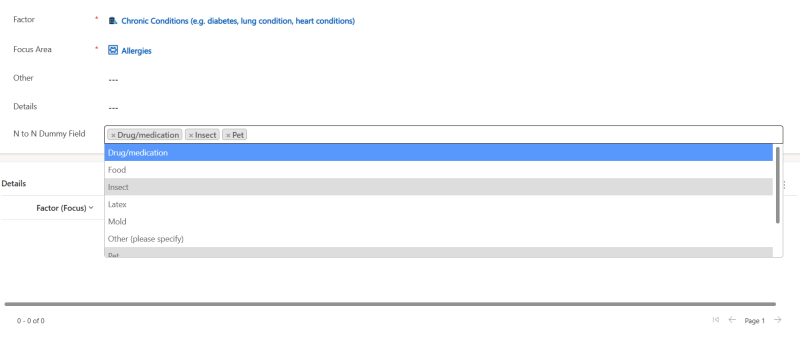
If you've ever worked with Model-Driven Power Apps, you're probably familiar with the challenges posed by N:N (Many-to-Many) relationships and the need for multi-select controls to efficiently manage related records. In this blog post, we'll introduce you to an N:N Multi-Select control for Model-Driven Power Apps and explore how we've enhanced it with filtering capabilities,…

Streamline Workflows in SharePoint: Discover the Combo of Power Apps Custom page and Power Automate using HTTP Request Connector

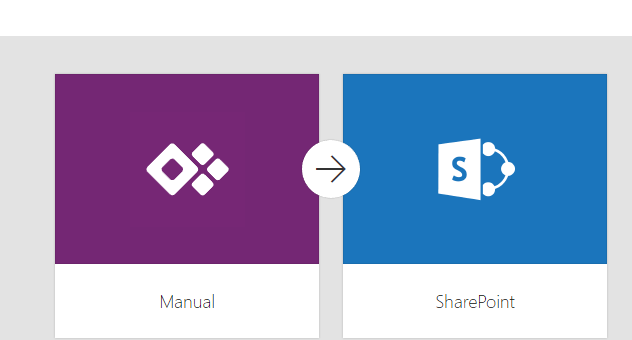
Efficient workflows are essential for maximizing productivity and ensuring seamless operations in SharePoint. By automating and streamlining processes the organizations can save time, reduce manual efforts, and improve collaboration. In this we will explore the combined power of Power Apps Custom Pages and Power Automate using Response Connector to streamline workflows in SharePoint Power Apps…

Expense Report App – Based on Power Apps (Canvas and Model Driven)

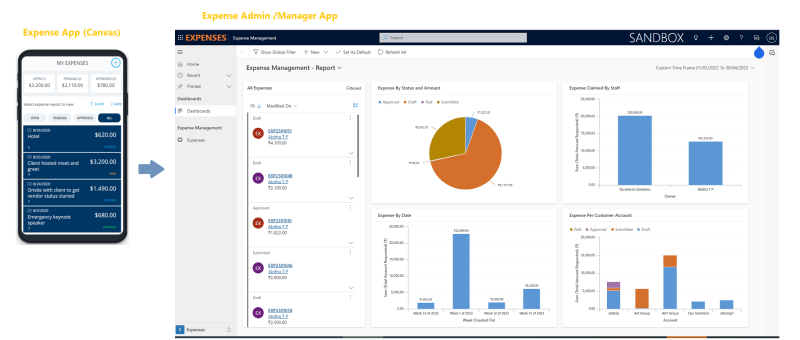
Microsoft has provided a sample Power App which can be used for the purpose of managing expenses. Ref: https://learn.microsoft.com/en-us/power-apps/maker/canvas-apps/expense-report-install We have added more features to the sample Expense App and would like to present and share that with the Power platform community for generic usage. Let's review the Power Apps based Expense Management Solution. This…

Invite External Contacts as Azure AD Guest Users via Power Automate Flow

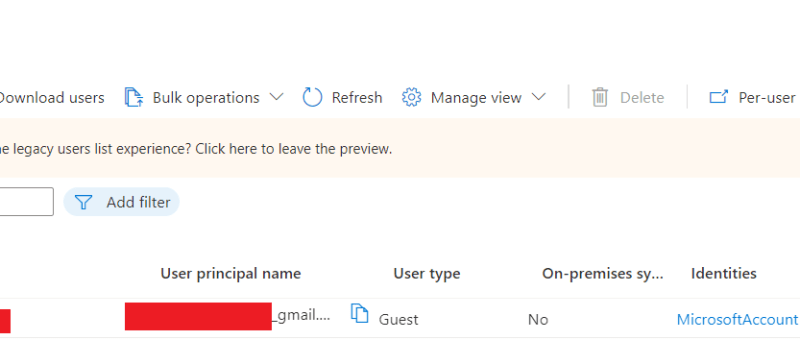
In this blog we will see how can we add an external contact to Azure AD using power automate flow. This will create an azure AD  guest user account for the user and provide an invitation email with a url to access the APP. Use Case: You are building a Power App, and need to…

Upload Files Directly From Powerapps To Sharepoint(Using Graph API)

In this blog we will see how to upload files directly from powerapps to sharepoint without using any power automate flow. Here we will make use of Graph API. First we will create a sharepoint document library. For that go to the sharepoint site to which you want to create the library. And then click…

How to upload an image/file from canvas app to a SharePoint document library and display it in the Document section of model driven app (via Server side Synchronization)

Storing attachment from PowerApps to SharePoint is a common requirement for many apps. To accomplish this we will use a power automate flow with power apps as the trigger. This blog walks you through , how to upload an attachment from canvas app to the corresponding folder in SharePoint document library and thereby display it…

Call Custom Page with parameters from Model Driven App – Using New Command Editor

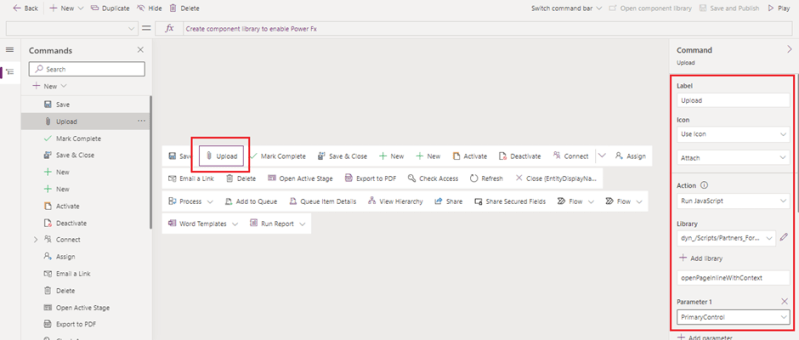
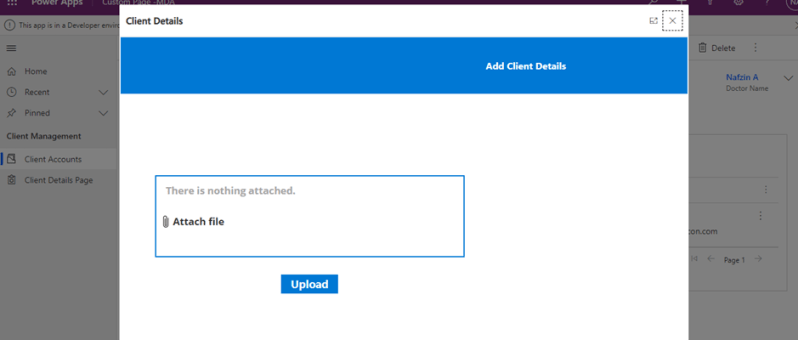
This blog guides you through, how to pass parameters from model-driven app to custom pages while opening custom page as a central dialog inside form using button, in order to upload documents to the respective record's folders in SharePoint. This Functionality was achieved by adding buttons to forms in model-driven apps using the new command…

Update multiple records using custom button

In Dynamics 365, it very common that a larger number of records need to be approved or a similar action need to be done. In these scenarios going to each record and performing the necessary action will not be a better option. To tackle these situations, custom buttons can be used. After selecting the records…

How to Upload Documents from Custom Page to their Respective Record’s Folders in SharePoint

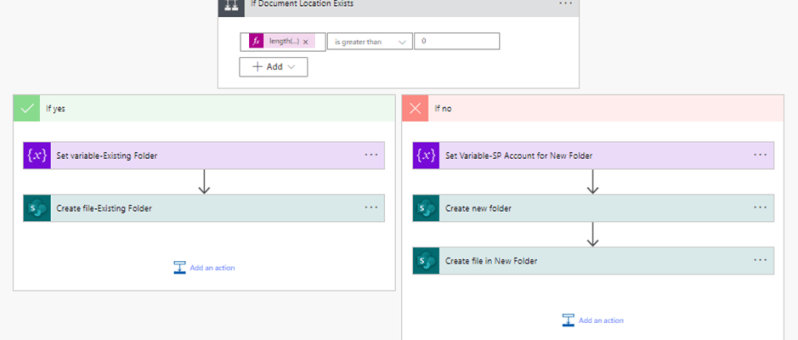
This blog takes you through, how to upload document files from custom page opened in a model-driven form to that respective record’s newly created or already existing folders in SharePoint. This scenario is achieved with the help of a power automate flow. The steps involved in the power automate flow are explained below: Step 1:…

How to Call a Custom Page from Button Click in Model-Driven App

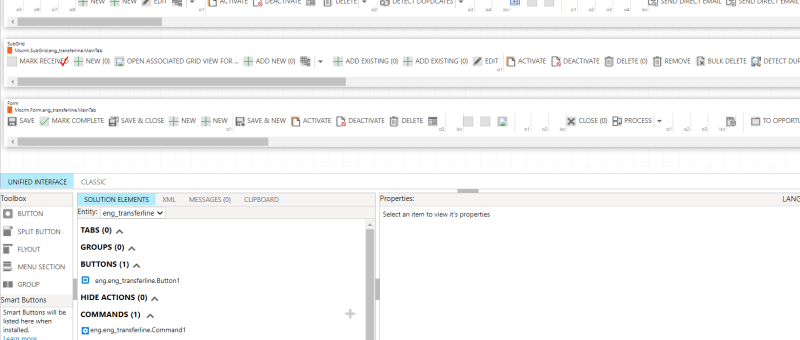
The usage of buttons in model-driven apps helps in easy navigation from one table to other tables or custom pages without even leaving the respective forms. Ribbon workbench is an efficient tool used for the same. This blog guides you through, how to call a custom page as a central dialog box inside the account…