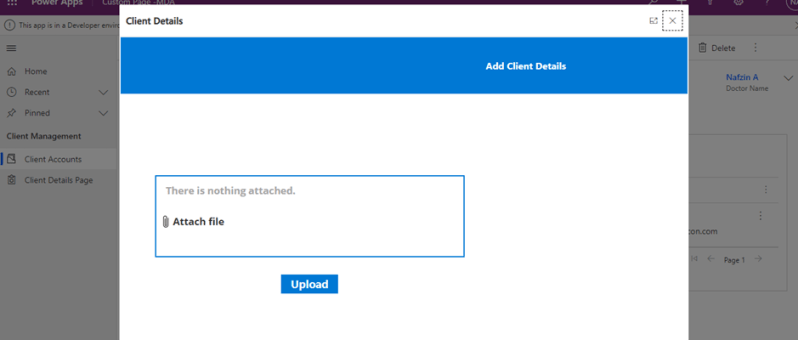
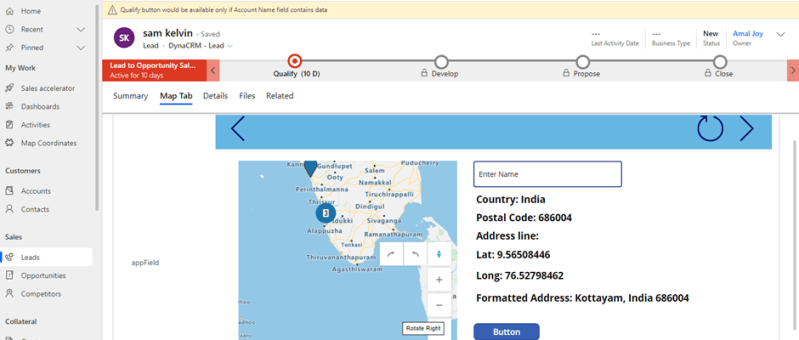
The usage of buttons in model-driven apps helps in easy navigation from one table to other tables or custom pages without even leaving the respective forms. Ribbon workbench is an efficient tool used for the same. This blog guides you through, how to call a custom page as a central dialog box inside the account…
Category: Power App
How to add a Custom Page to an Existing Model-Driven App
The custom page is a new page type within a model-driven app, which brings the power of canvas apps into model-driven apps. Custom pages increase the convergence of model-driven and canvas apps and can be used to add full pages or dialogs with the flexibility of the canvas designer. This blog tells you how to…
Call HTTP Request from Canvas Power App using Power Automate Flow and get back Multiple Rows as Response
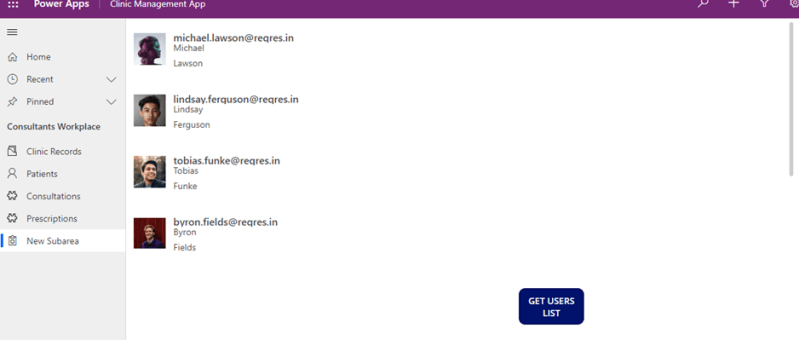
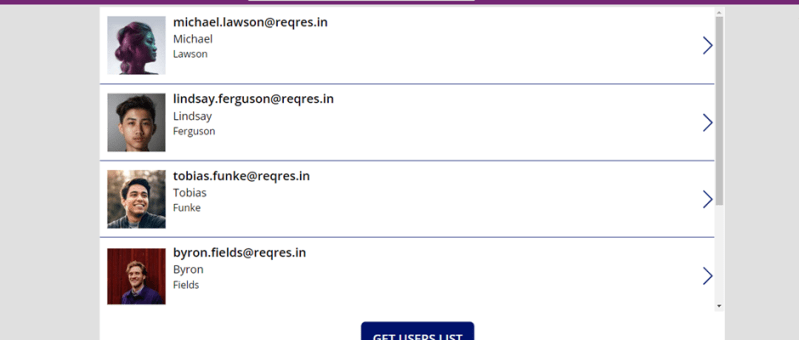
Well, in order to call HTTP request from canvas app to external resources, you will need to go through a power automate flow and then get response back in the canvas power apps as referred in the figure below. SCENARIO: Call a flow from within a canvas power app on clicking a button and capture…
Enable Interactive Map in Power App (Canvas / Model Driven)
Canvas App Canvas apps are true low-coding apps, they do not require coding know-how. The users have full control over every single aspect of the resulting app, including size and formatting of its components. Since Canvas app allow for a high degree of creativity and flexibility. The Canvas apps are mainly used for mobile devices.…